 LeafBound
- Choose Format then Book design…, then the Subheadings tab.
- Under each heading level, from Heading 1 to Heading 6, choose a font and a size.
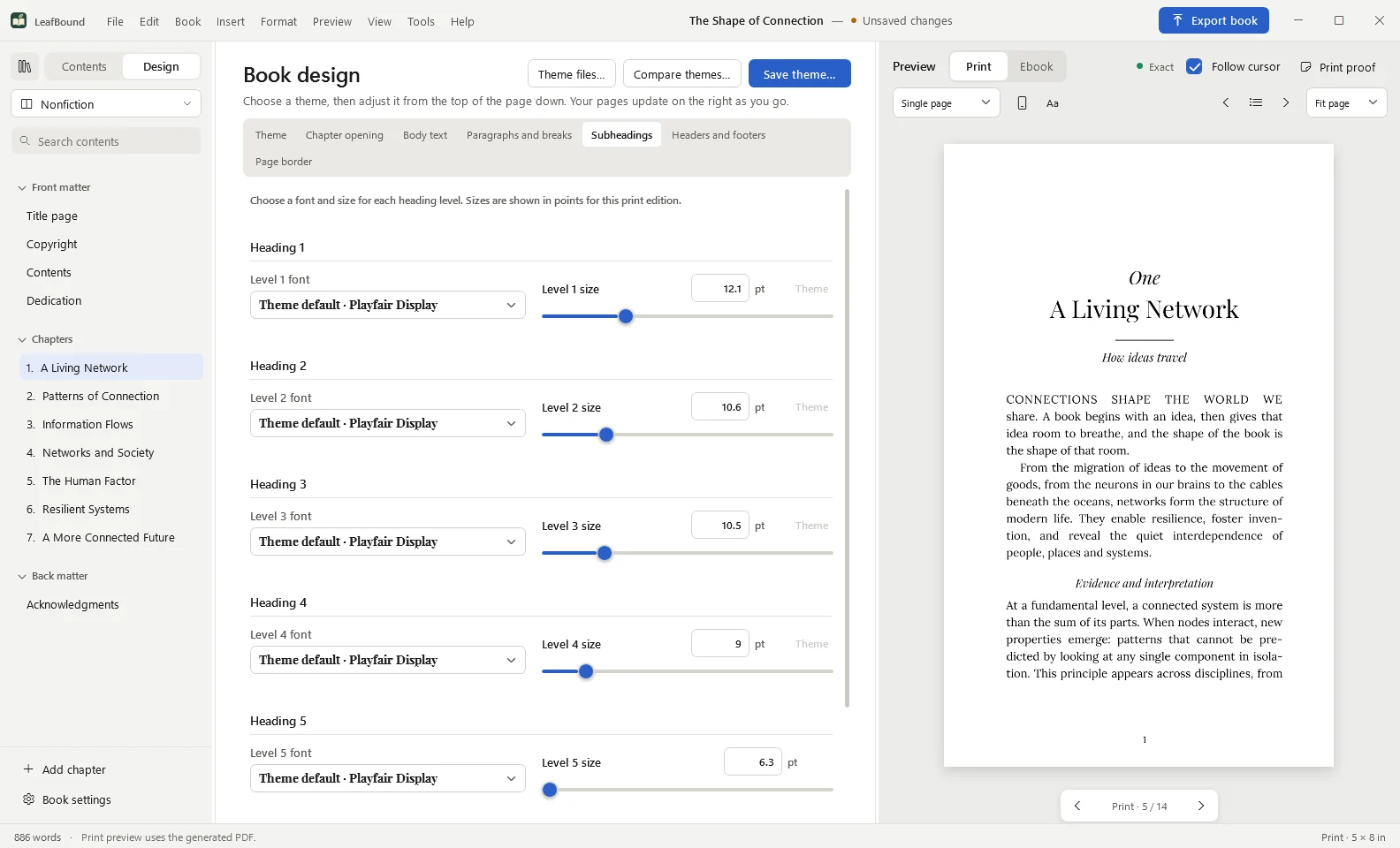
Sizes are shown in points for the print edition, and change with the print text size. Leave a font on its theme default to keep the theme's choice.
To make a paragraph a subheading in the manuscript, choose Insert then Paragraph and list options…, then Paragraph format, Subheading and a level.
Themes from a reference catalog keep fixed subheading styles, and the tab says so.
Related
Still stuck?
Choose Help then Report a problem… in LeafBound to send us the details, or write to support.