 LeafBound
Themes
128 book themes, designed for print and ebook.
Each theme is a complete interior design: typefaces, chapter openings, first-paragraph treatment, scene-break ornaments and running heads, built for a genre and shown on your own text in the real print preview. There are 128 themes in 394 variations, and every theme comes in Standard, Large print and Accessible versions.
Fifteen of the 128
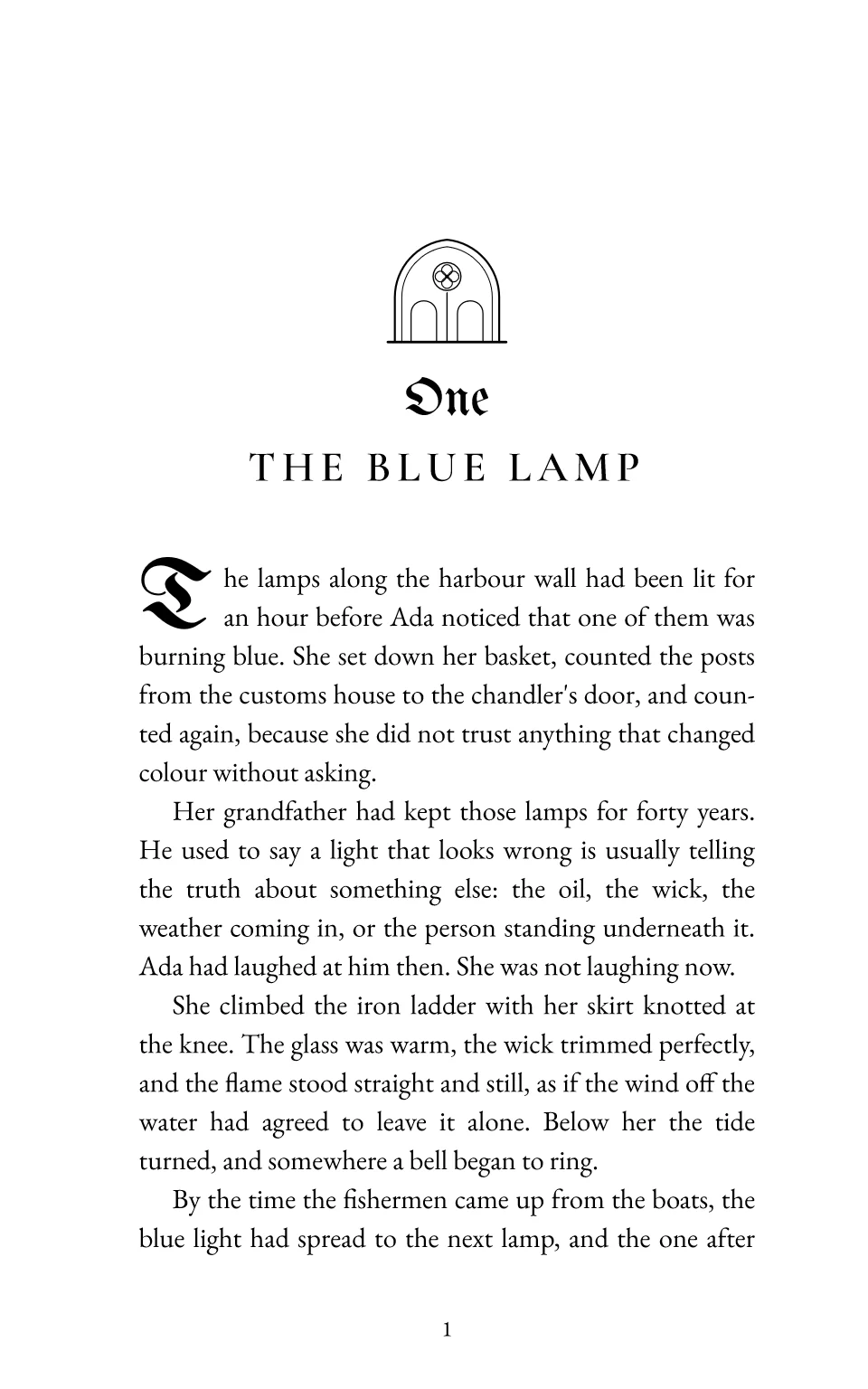
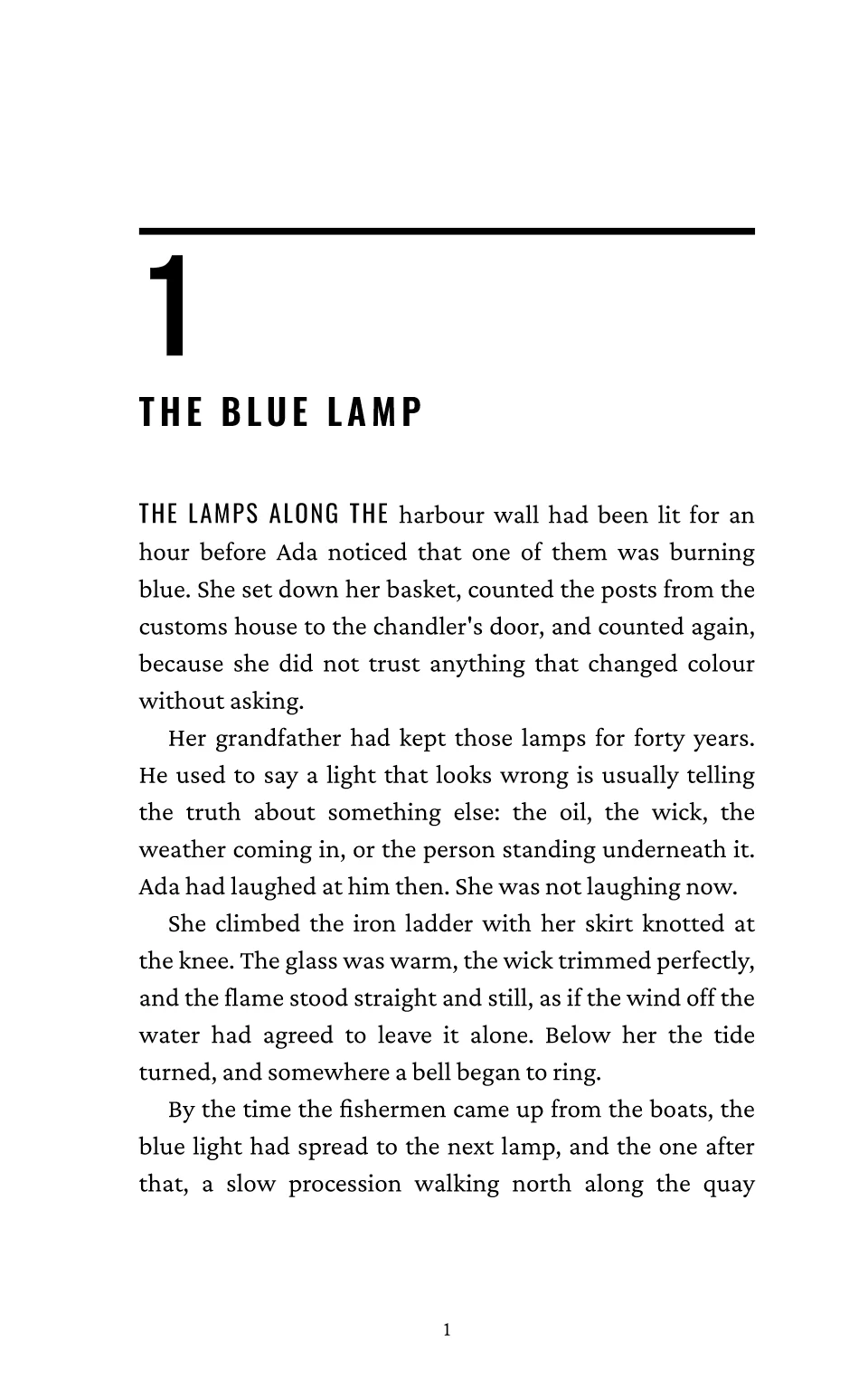
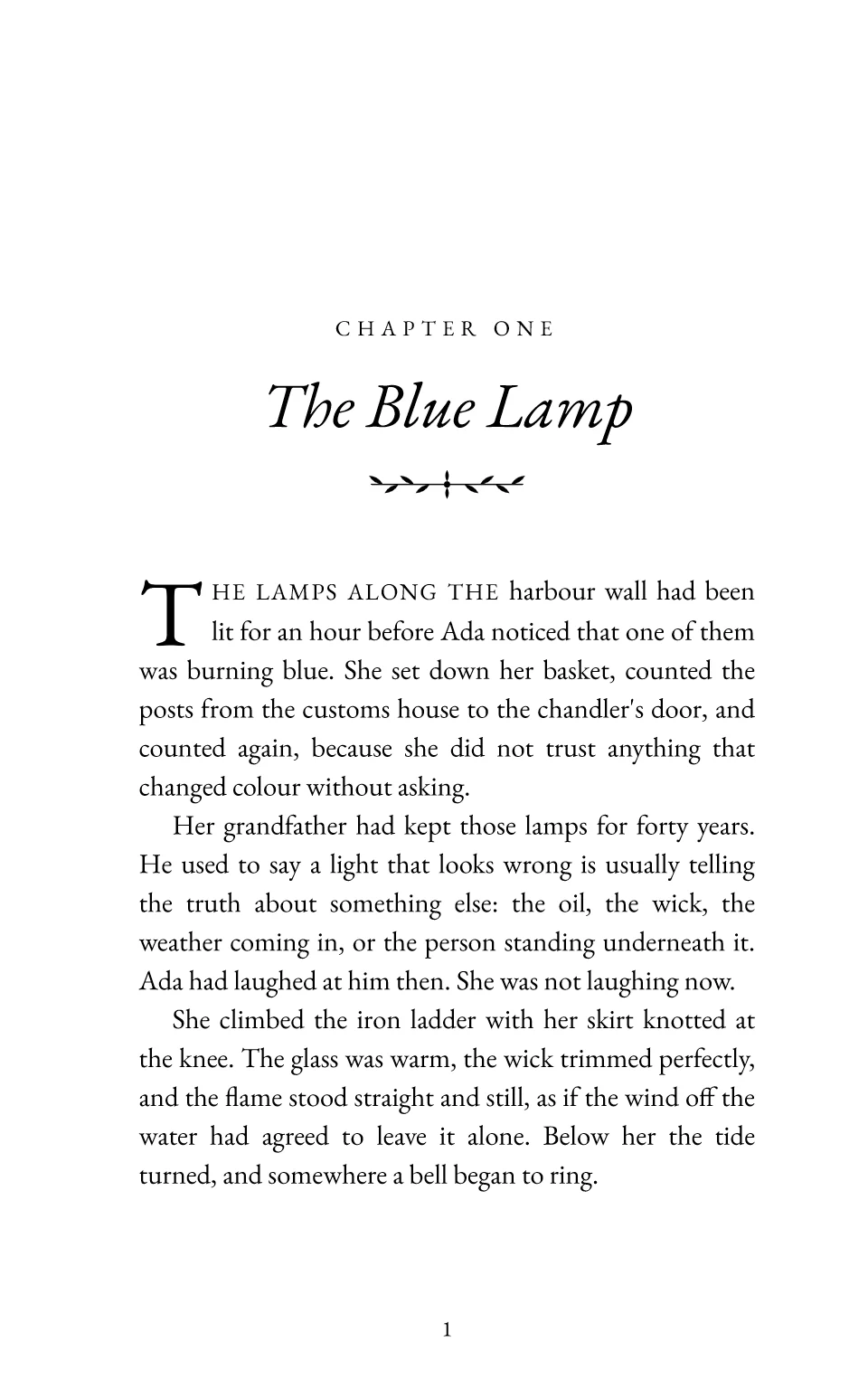
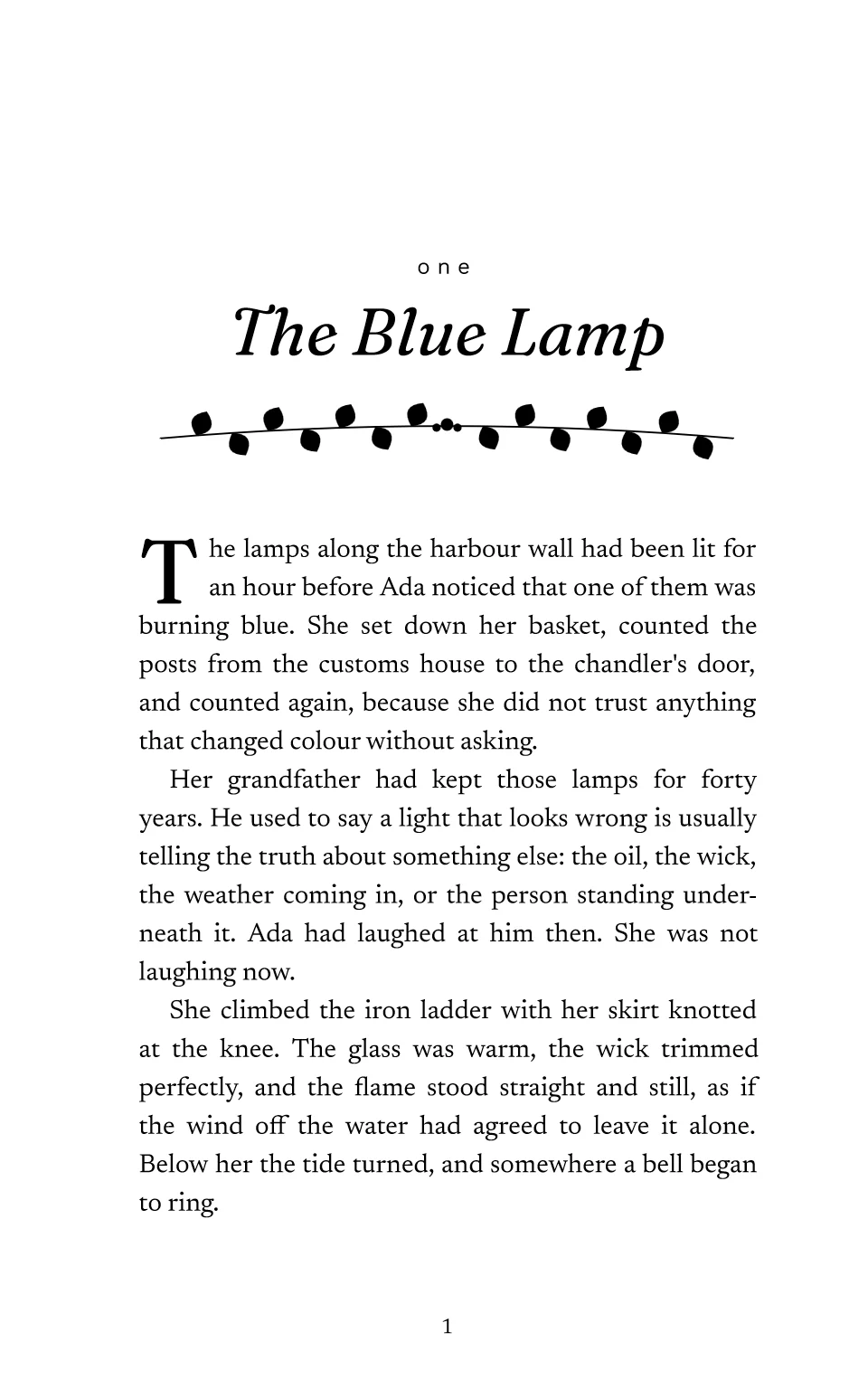
The same kind of page, a chapter opening, in fifteen themes. The library groups all 128 into Fiction, Nonfiction, Academic, Novels and Specialty; open LeafBound to see the rest on your own manuscript.
- VesperGothic and dark romance
- SteelThriller and crime
- HearthstoneLiterary and classic fiction
- HalcyonContemporary romance
- OrbitScience fiction
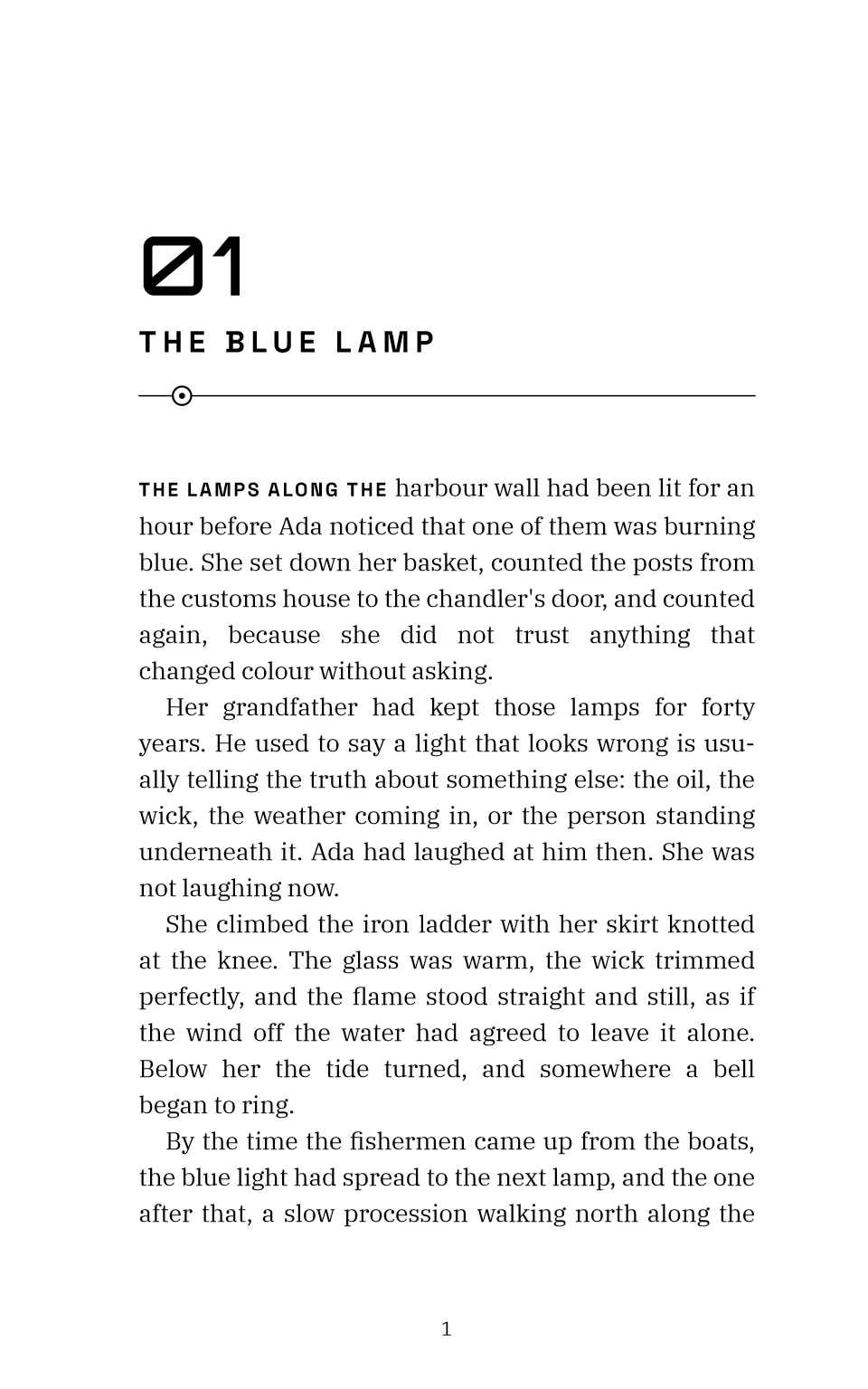
- KeepsakeMemoir
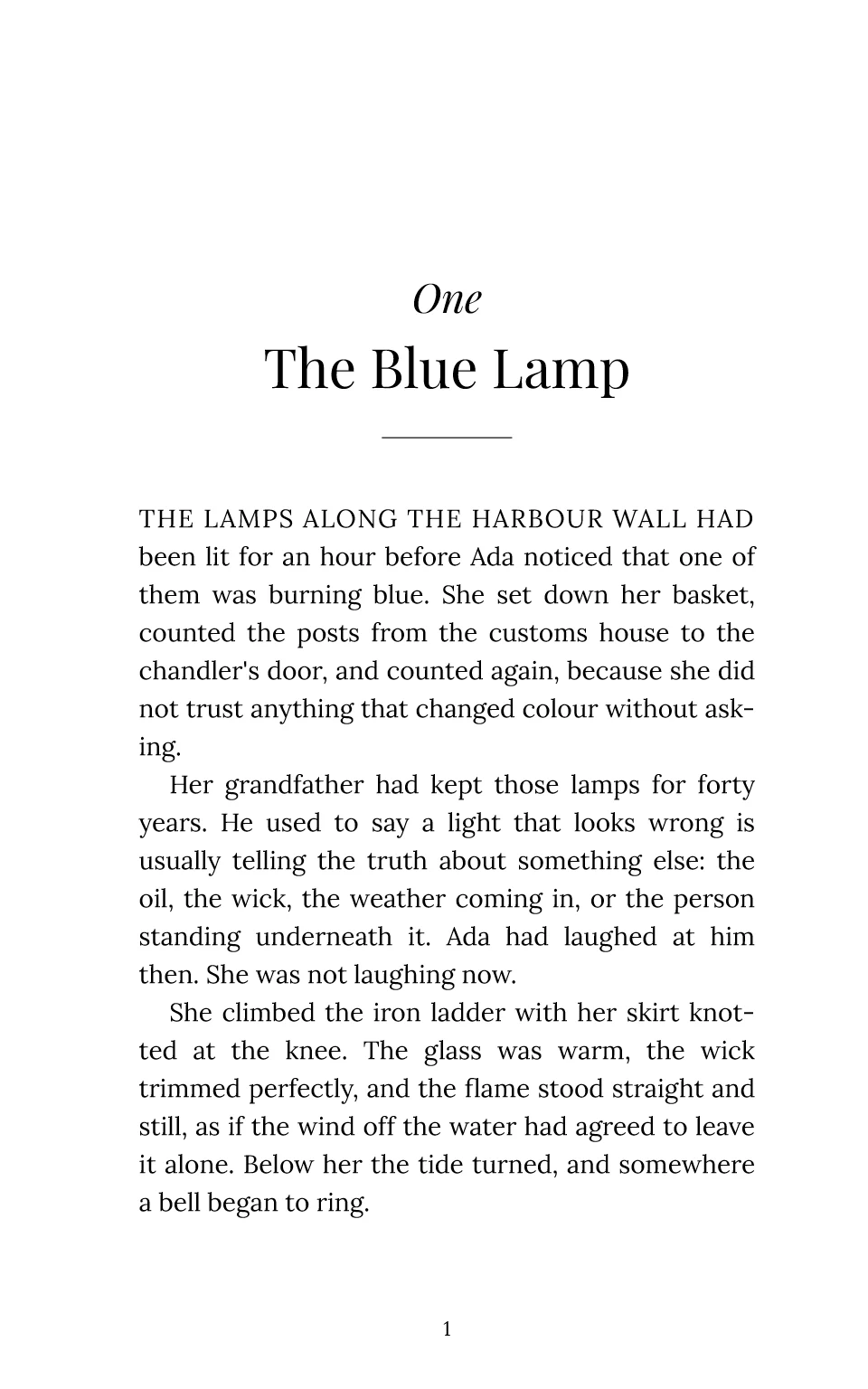
- GaslightHistorical fiction
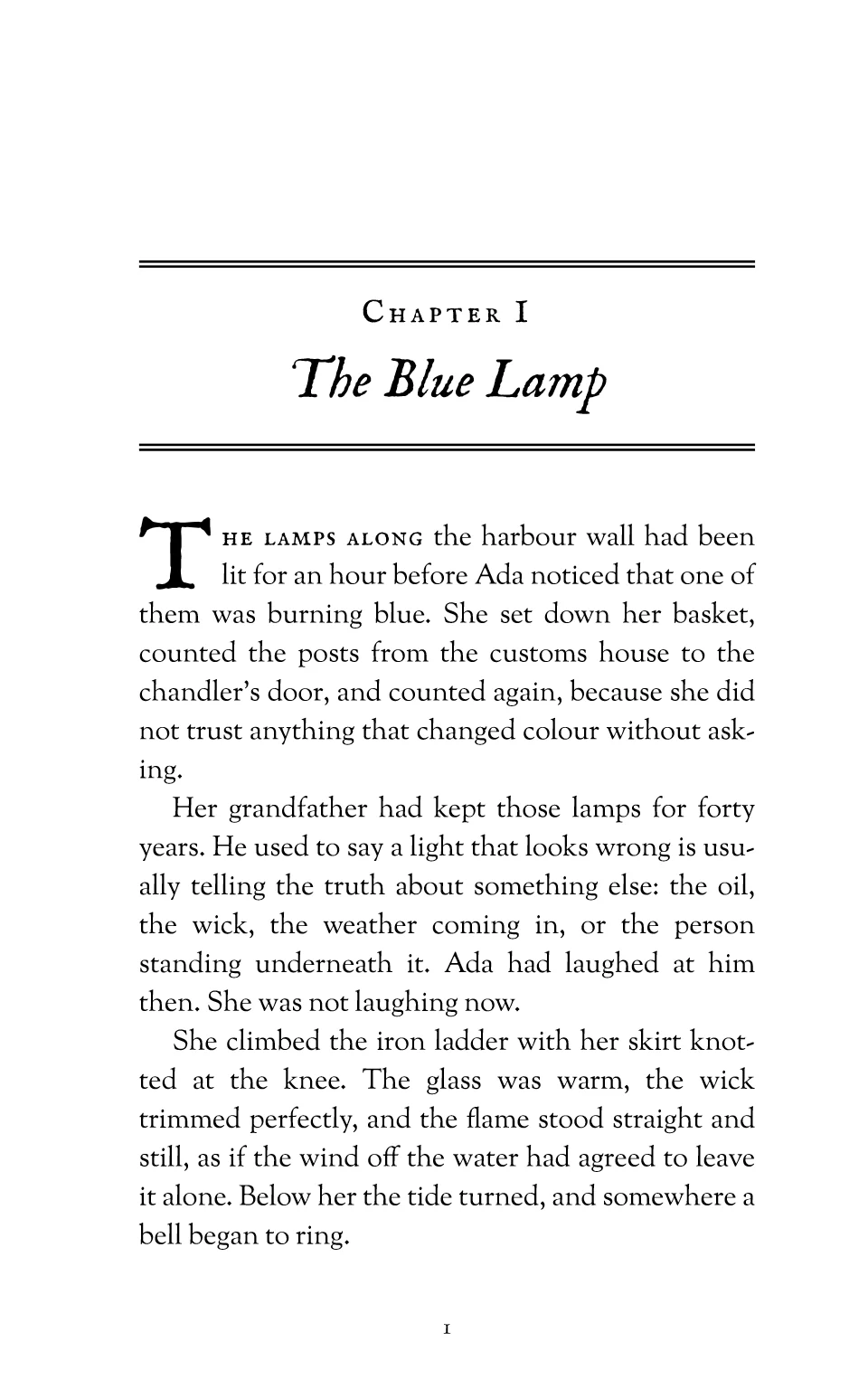
- MeadowlarkChildren’s and middle grade
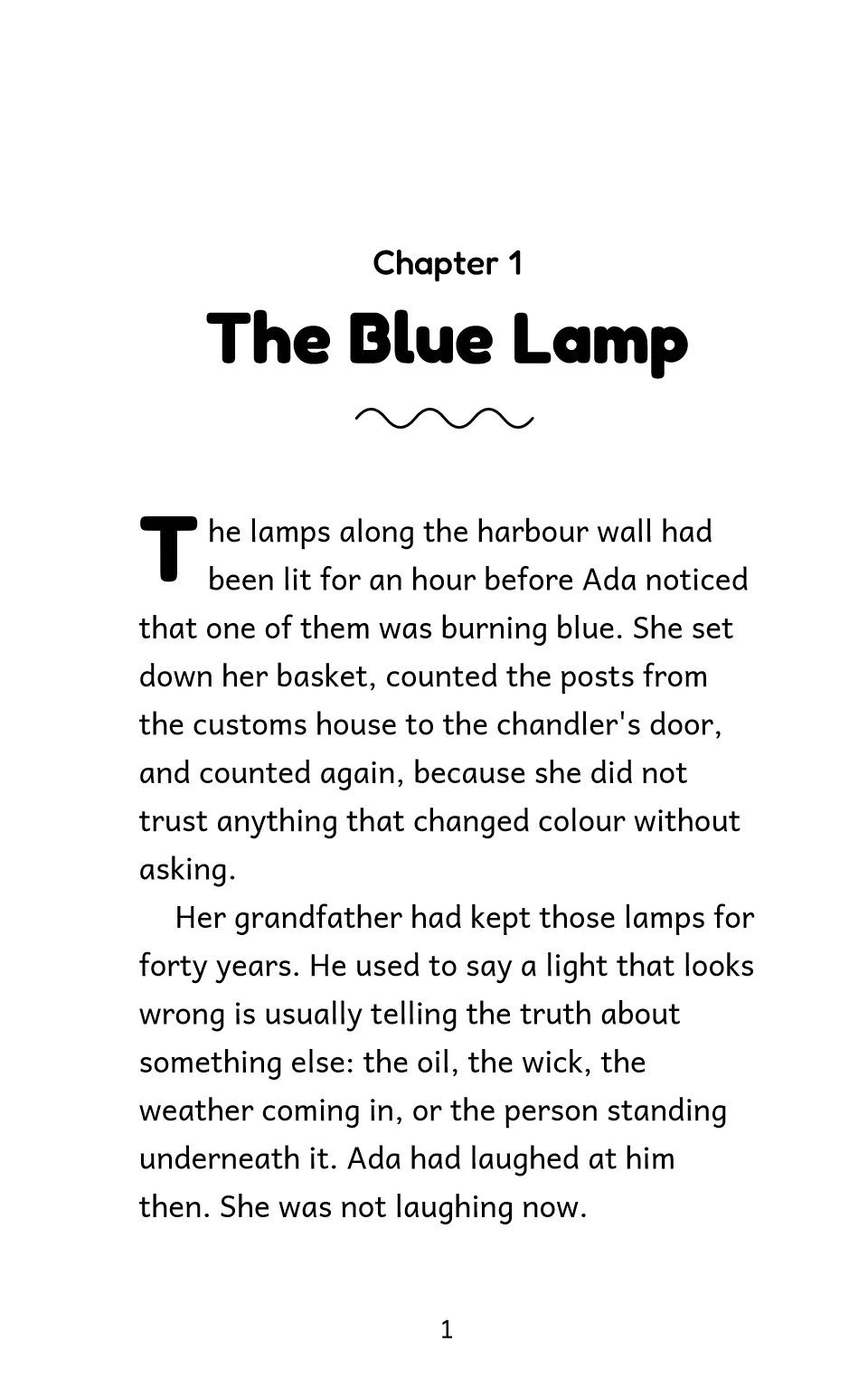
- TreatiseAcademic and reference
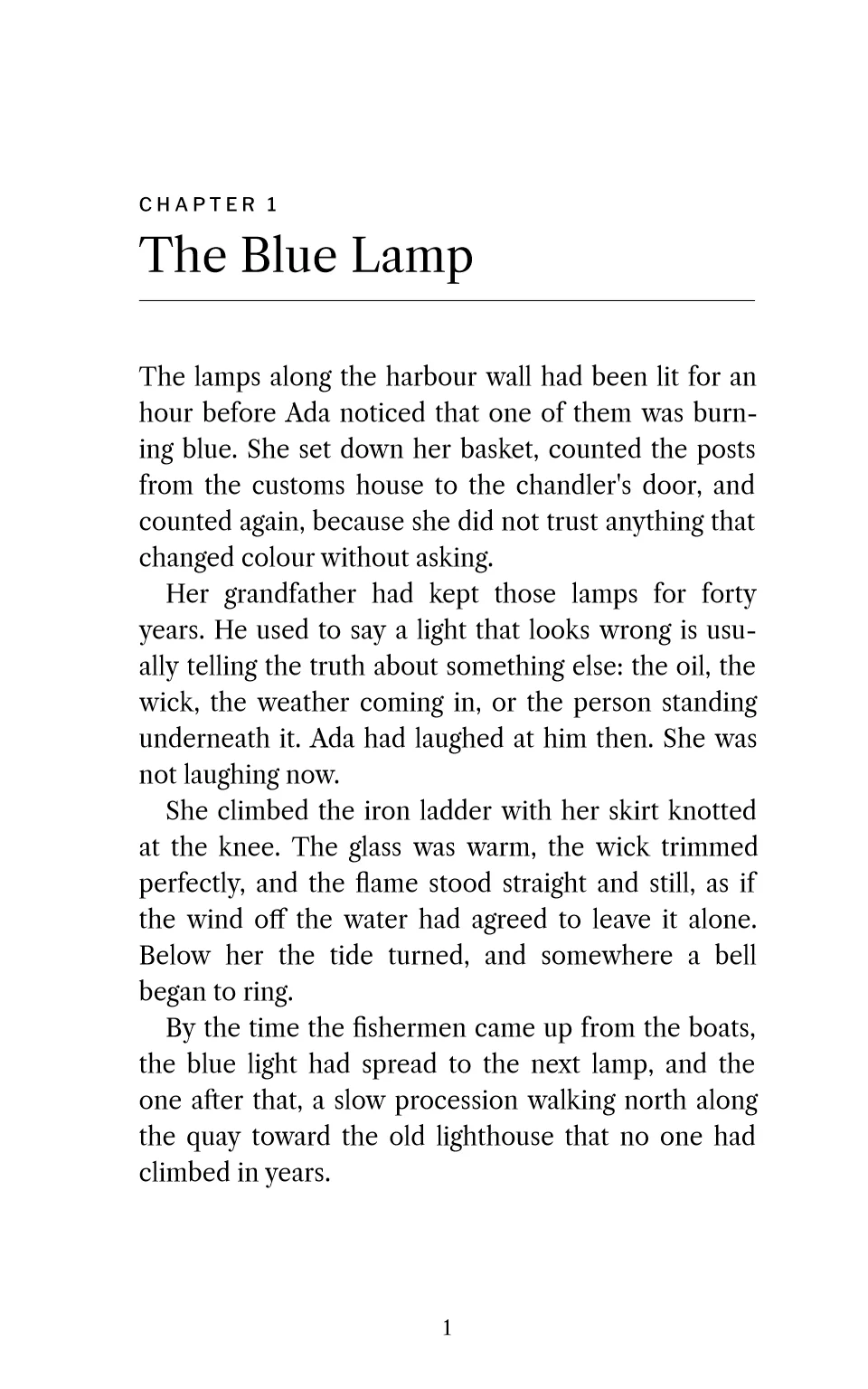
- CompassTravel and adventure
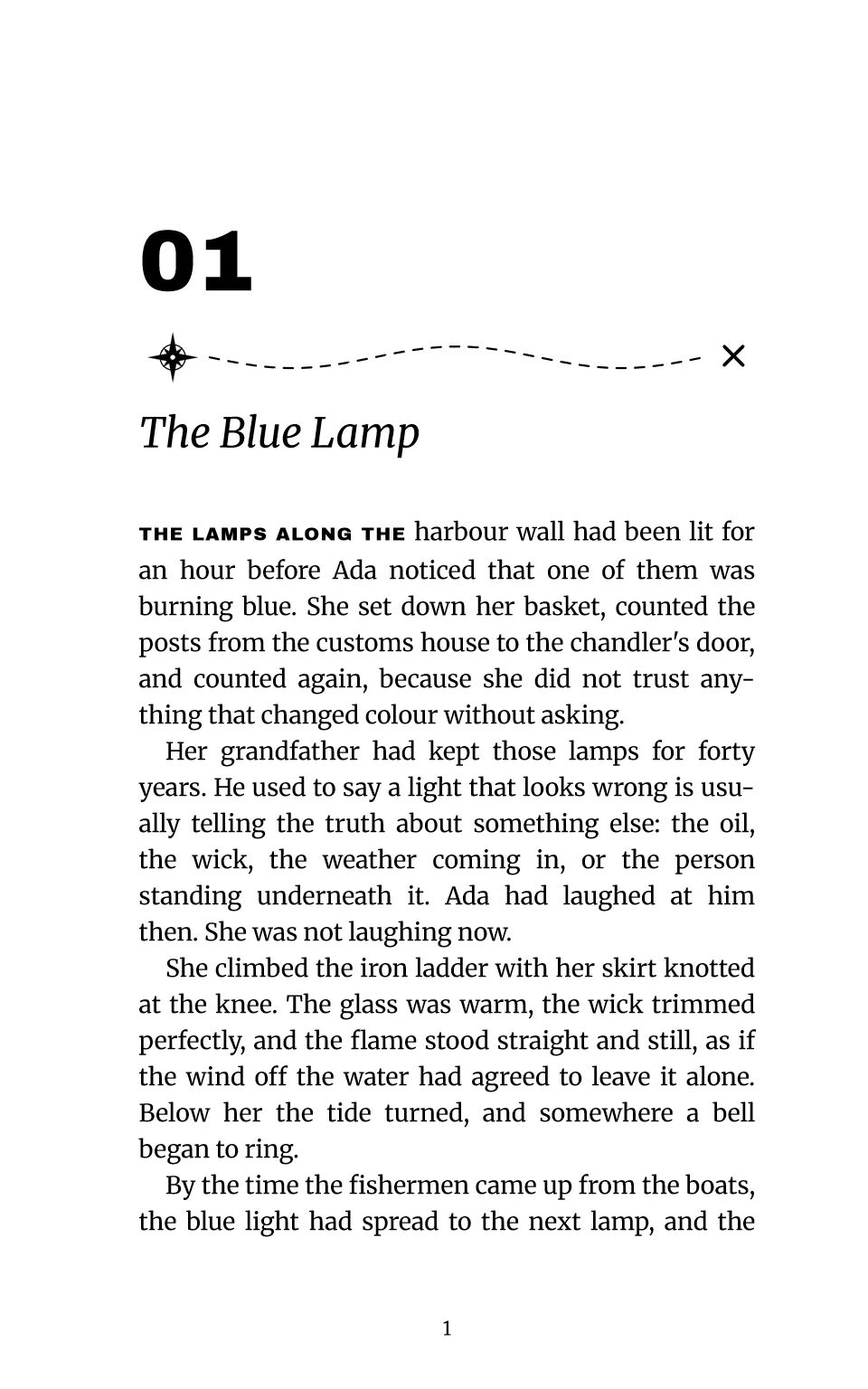
- Clear PrintLarge print and accessible
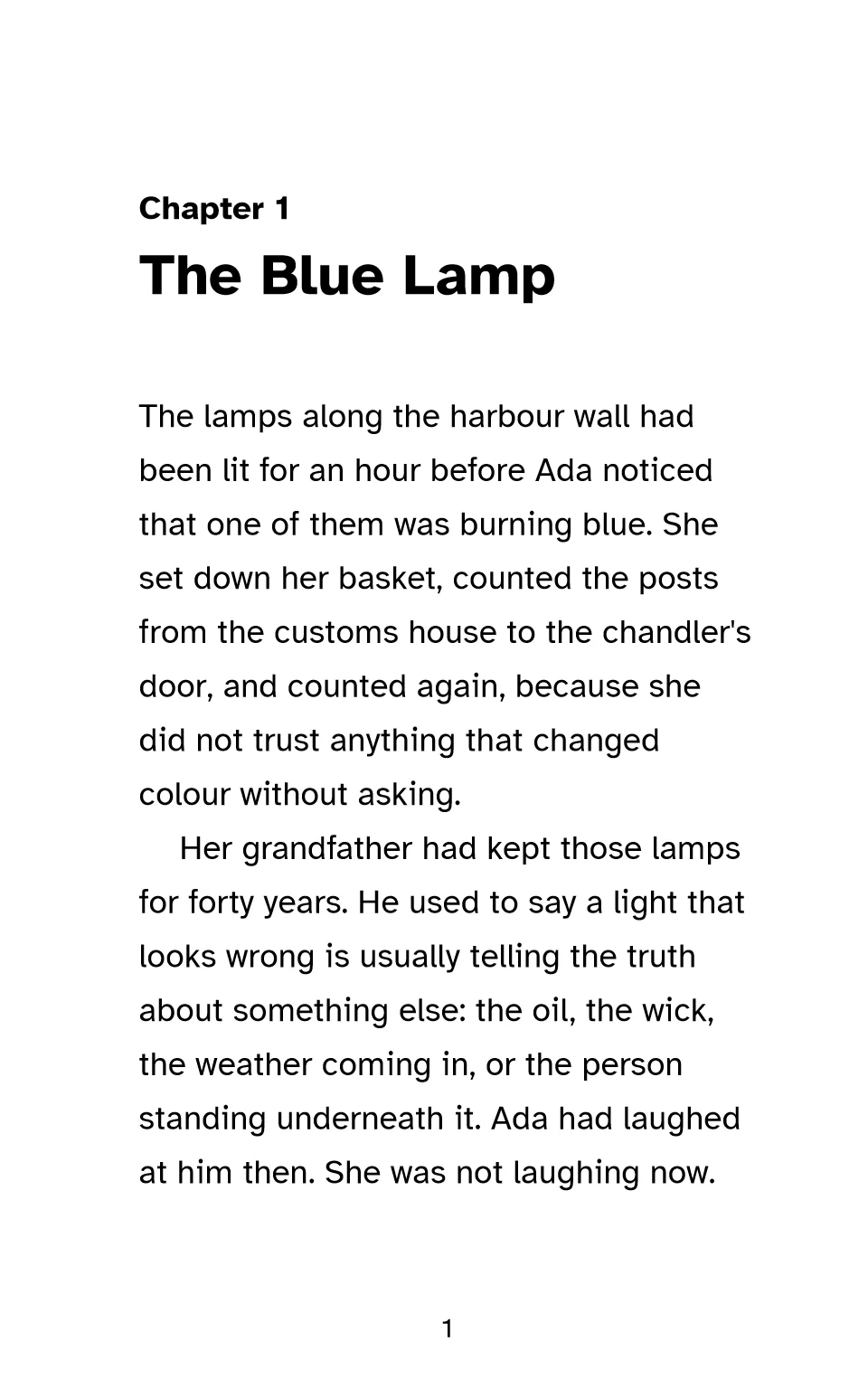
- AtelierTheme
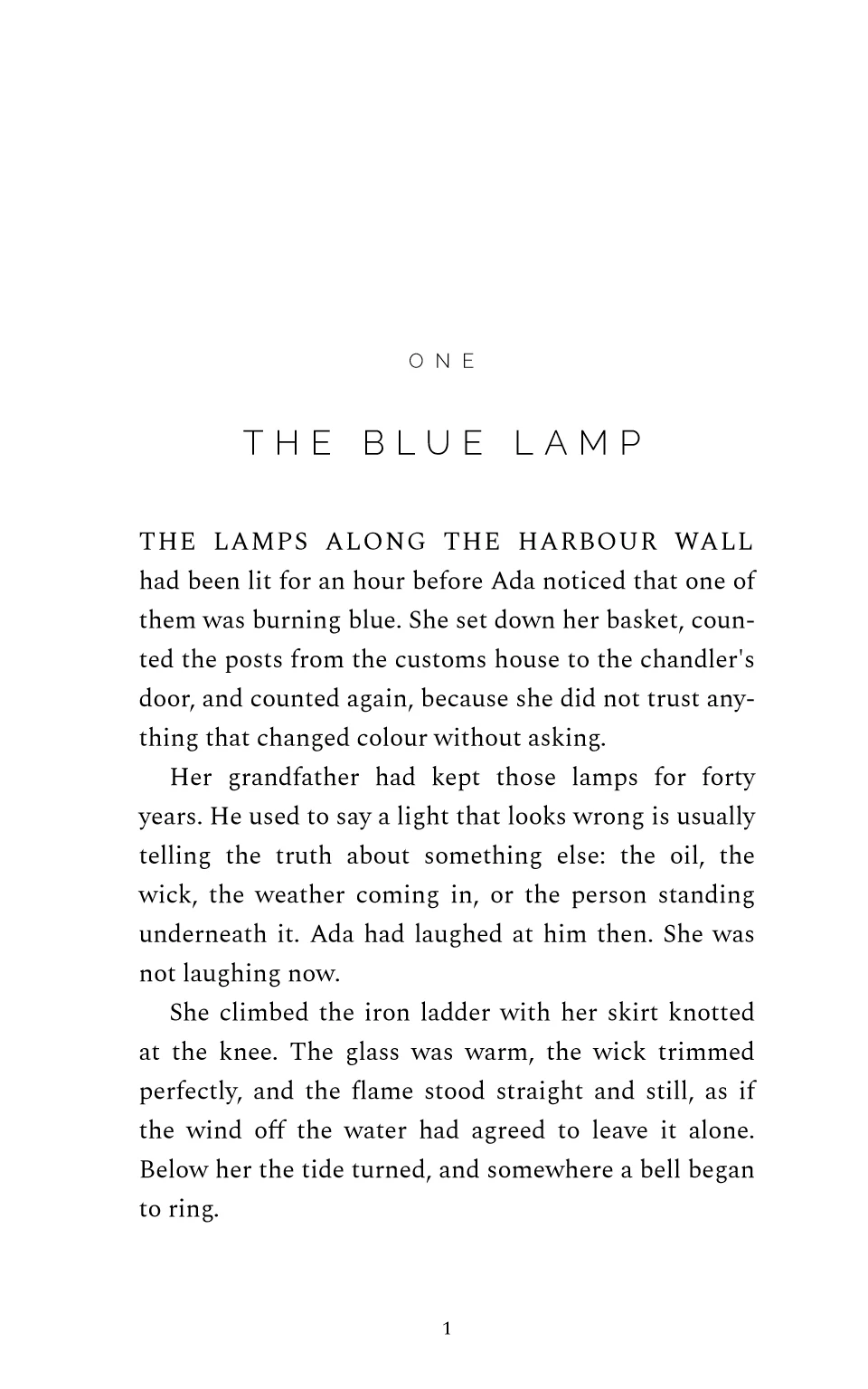
- ChronicleTheme
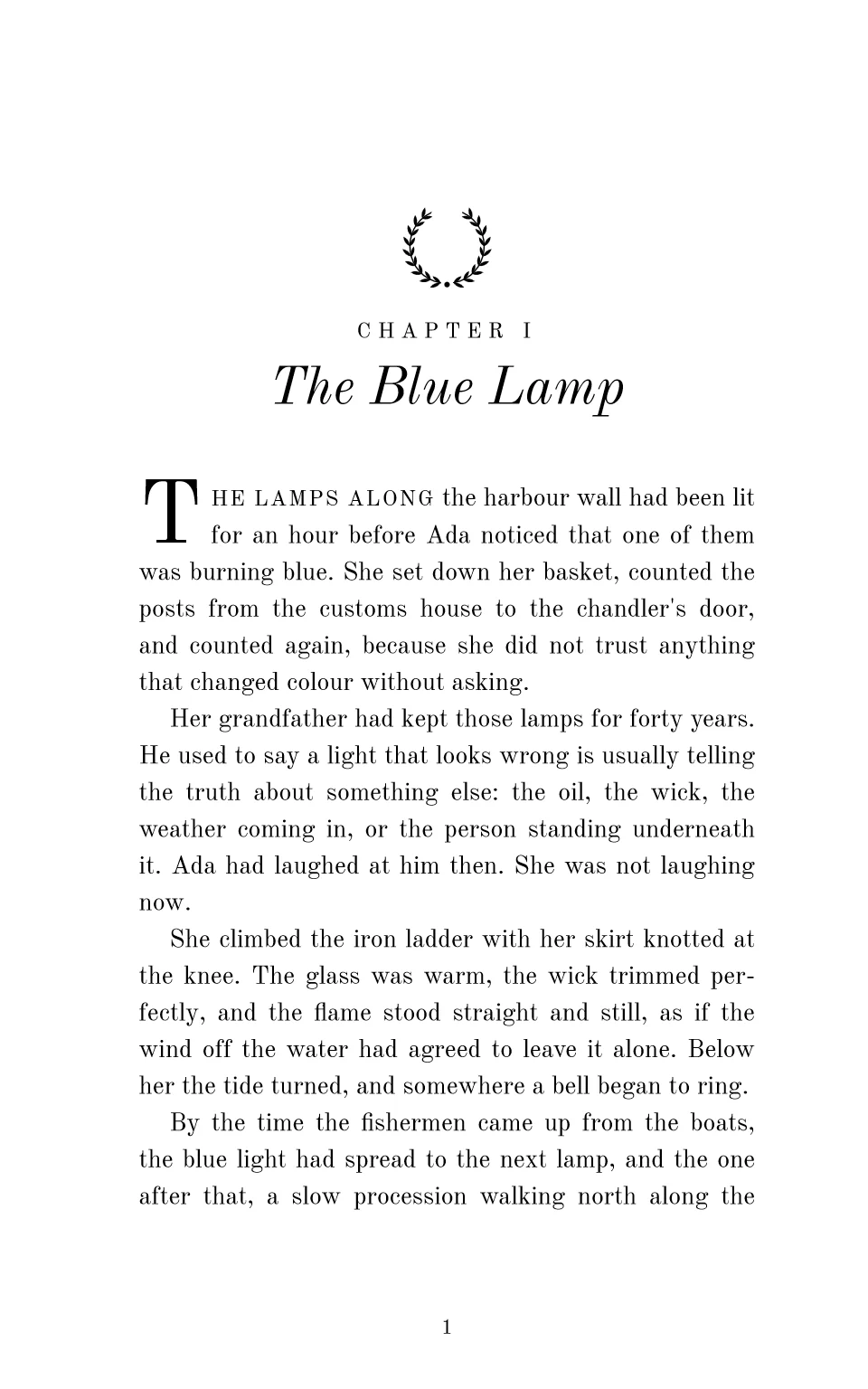
- CopperplateTheme
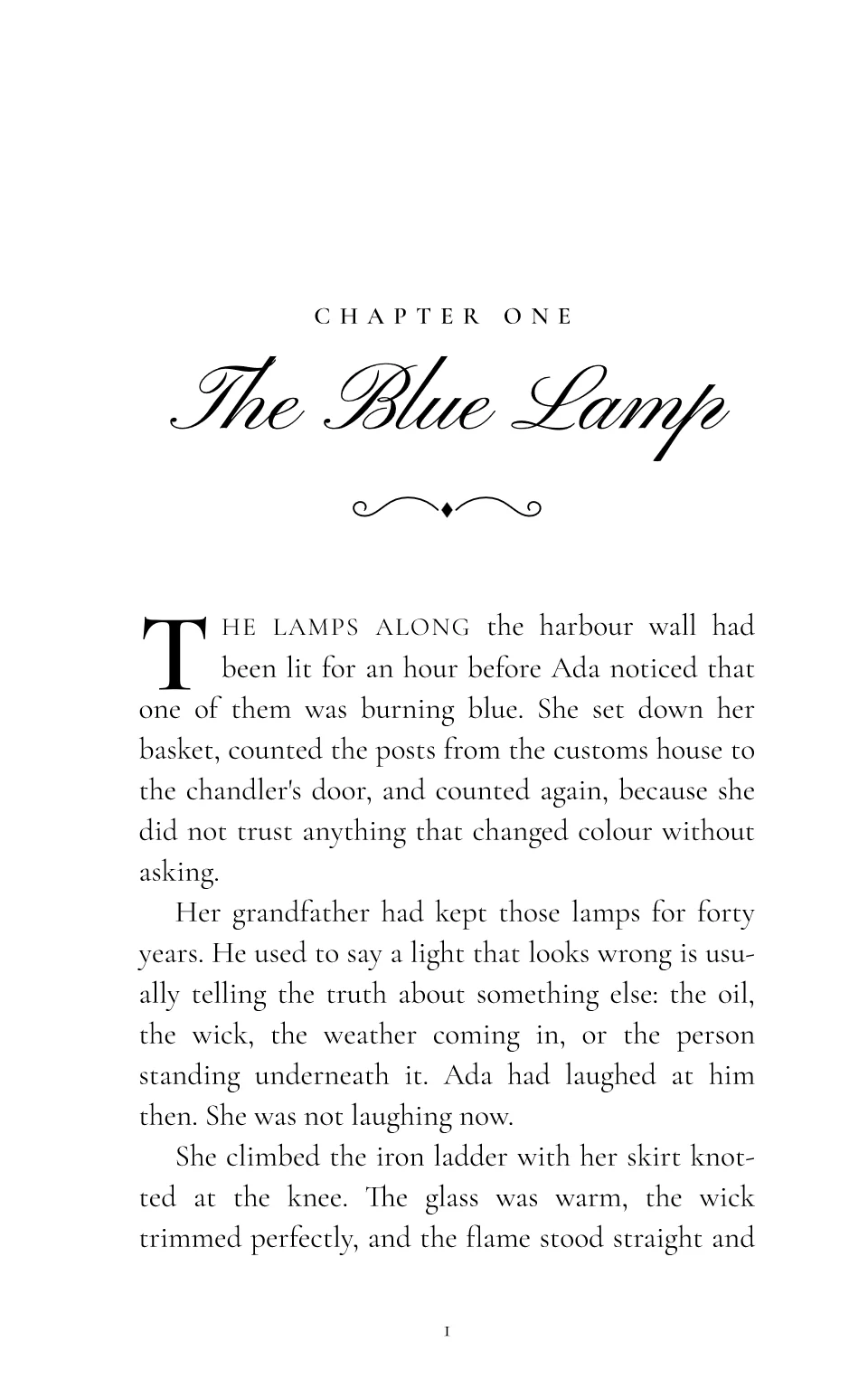
- NoirTheme
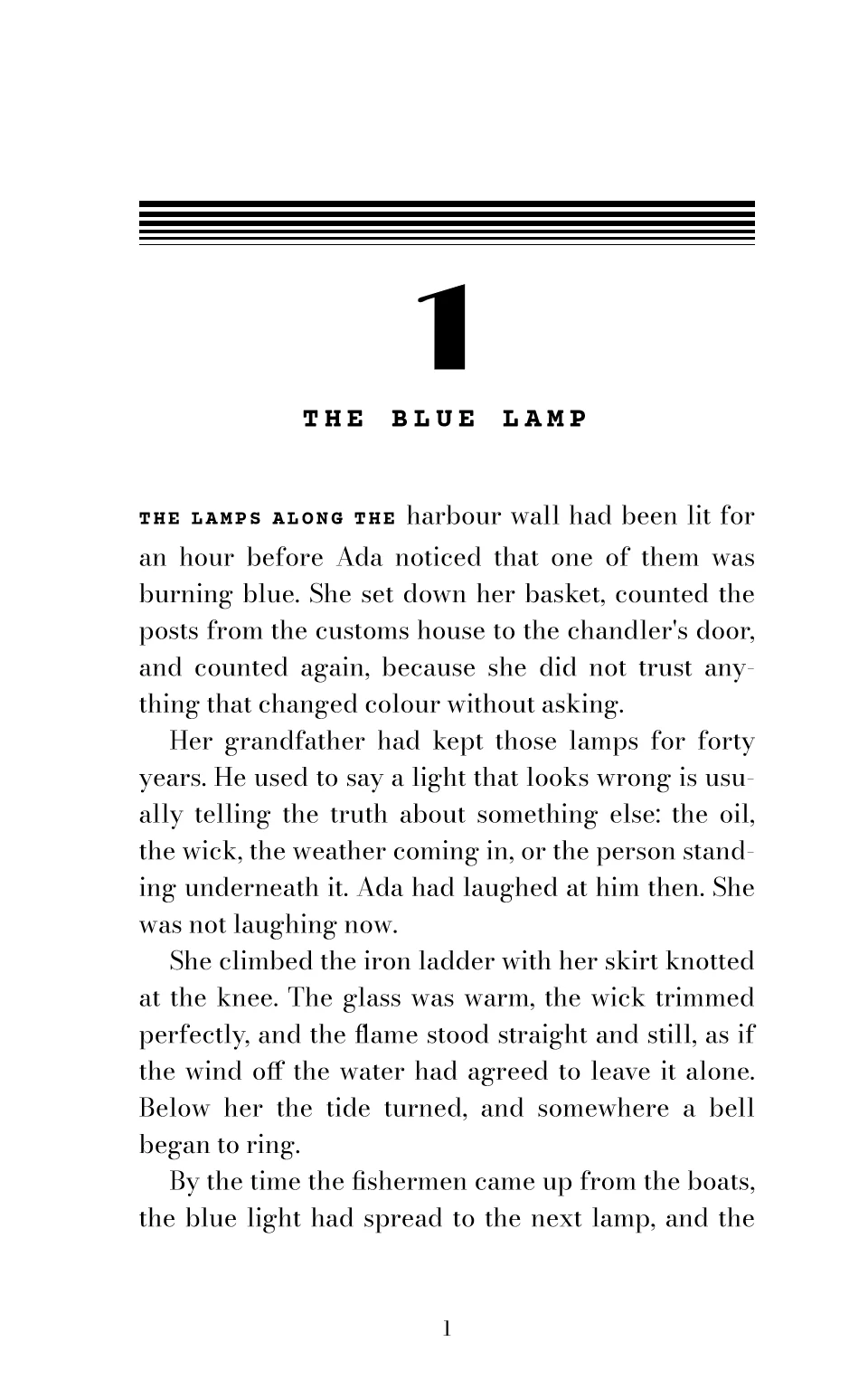
What a theme sets
Five decisions a typesetter makes, made for you.
A theme is not a template with blanks to fill. It is the set of typographic decisions that give a book its character, applied to every page.
- Typefaces for body text, headings and running heads, chosen from the 63 bundled families or your own fonts.
- Chapter openings: number style, title and subtitle treatment, ornaments and opening art from a library of 200 original artworks, or your own uploaded heading images and ornaments.
- First-paragraph treatment: a drop cap, a small-cap lead-in, or a plain start.
- Scene-break ornaments between sections, and the choice of indents or spacing between paragraphs.
- Running heads and footers for each part of the book, with the folios where the design puts them.
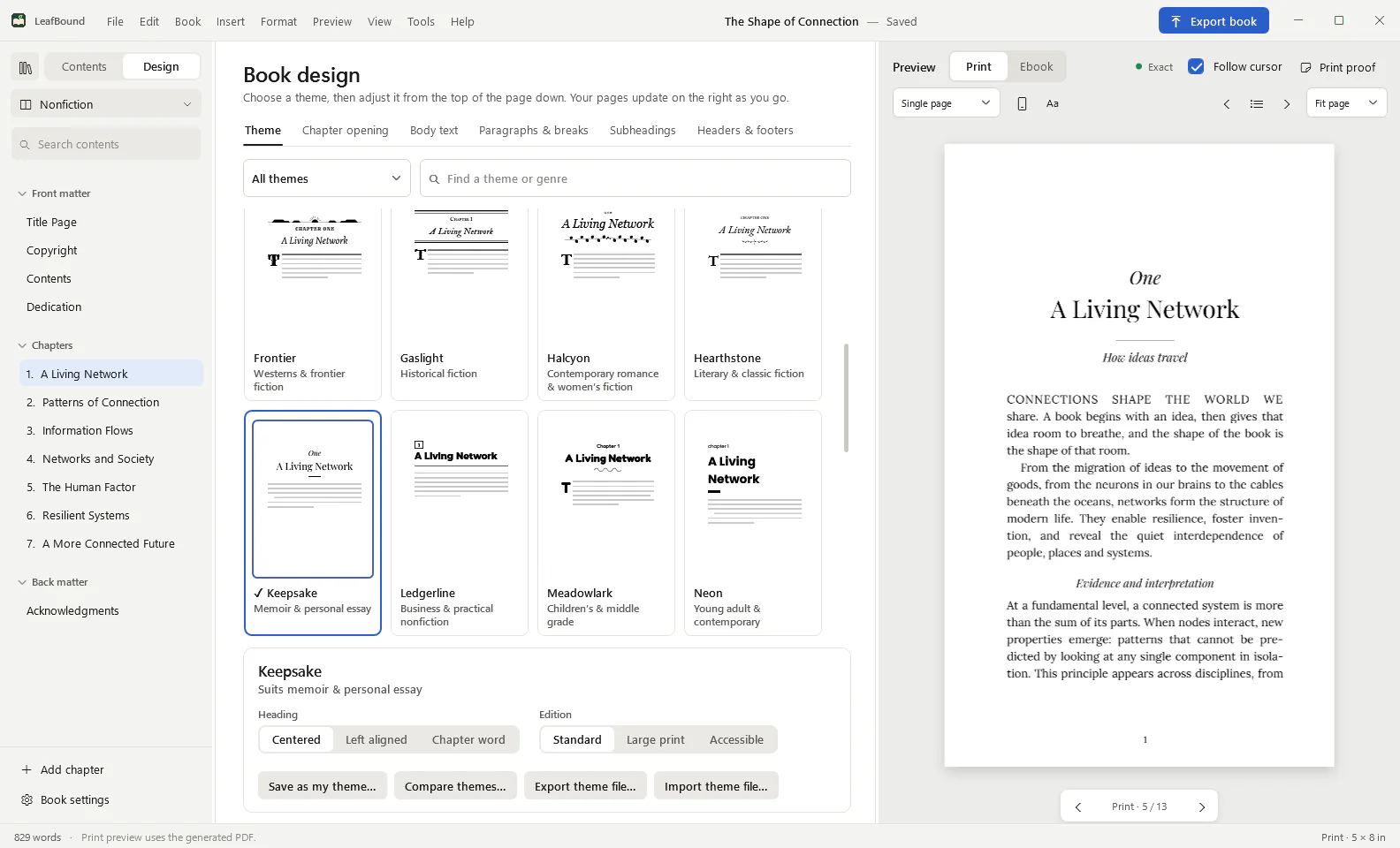
Standard, Large print and Accessible
Three versions of every theme.
Each of the 128 themes exists in three versions, so a Large print or Accessible version keeps the design of the regular one.
- Standard: the design as the typesetter set it.
- Large print: the same design at a size for the 16 to 18 pt range the NAVH and NLS standards describe. KDP’s large print checkbox is only a label for 16 pt or larger body text, so the file itself has to be right.
- Accessible: a version of each theme designed for readability: plain left-aligned text, no decorative caps, higher contrast and clear spacing. Accessible fonts, including Atkinson Hyperlegible, are among the 63 bundled families.
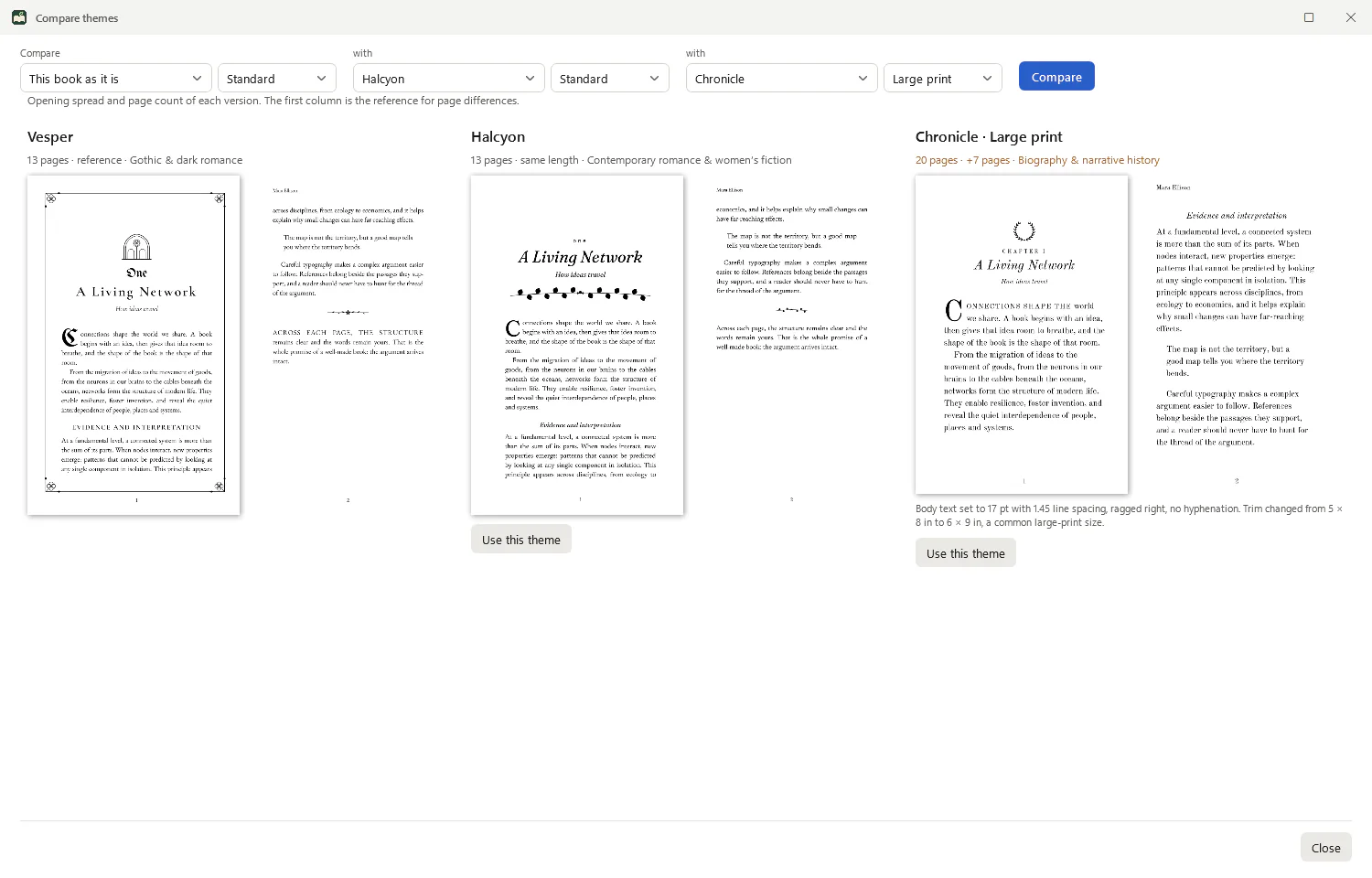
- Compare themes shows up to three designs or versions side by side on your opening spread, each with its page count, so you can see what large print does to the length of the book before you commit.
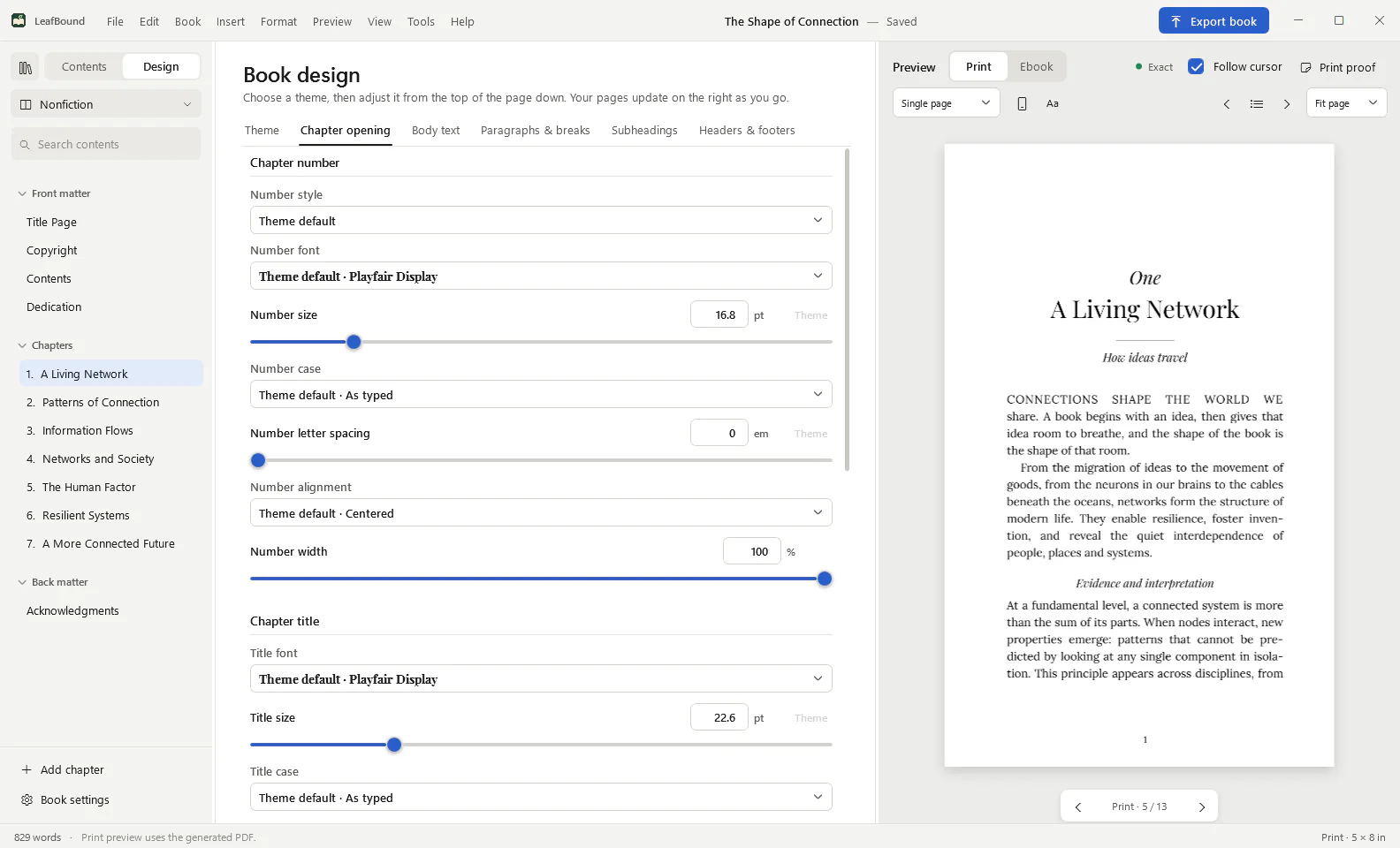
The design controls, tab by tab
Start with a theme, then adjust the part you care about. The print preview is the real PDF and recomposes a moment after each change, so you judge the result on the book, not on a sample.
| Tab | What it controls |
|---|---|
| Chapter openings | Number style, title and subtitle treatment, ornaments, opening art |
| Body text, paragraphs and breaks | Drop caps or small-cap lead-ins, indents or spacing, scene-break ornaments |
| Subheadings | Treatment of the headings inside a chapter |
| Headers and footers | Running heads and folios, set per part of the book |
Save, export and import themes (Pro). When the design is right, save it to My themes. Export it as a file, with any artwork you uploaded, and import it into the next book, so a series stays consistent across volumes, or share it between your own projects.
Fonts
63 bundled families, or your own, with an embedding check.
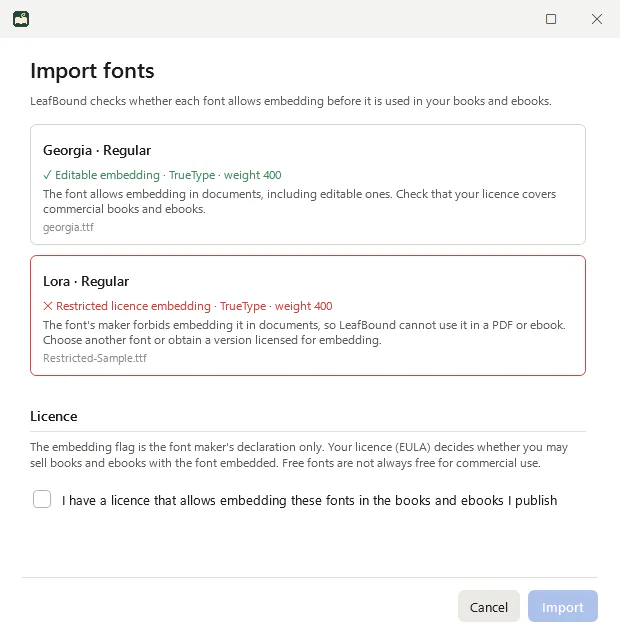
A print PDF must embed every font it uses, and not every font license allows that. LeafBound checks before you can use one.
- 63 bundled font families under the SIL Open Font License, so they are safe to embed in books you sell.
- Your own fonts: import a font and LeafBound reads its embedding permission. A font whose maker forbids embedding is refused at import rather than failing at the printer.
- Accessible fonts including Atkinson Hyperlegible, bundled and available in any design.
- Every font embedded in the PDF/X output. Preflight confirms it. See print books and print preflight.
Beyond the theme
Borders, frames, edges, picture books and covers.
What sits outside a theme, and which tier has it.
- Page borders, in every paid tier: Design > Page border adds one of 8 built-in borders, or your own image, to body pages, chapter openings or every page. Chapter-opening backgrounds are a theme setting.
- Art frames on every page are part of special editions (Studio), with illuminated initials and plates.
- Edge art for sprayed and printed edges is part of special editions (Studio). LeafBound makes the files; the printer applies the edge to the finished book, and not every printer offers every finish.
- Picture book pages designed by hand (Pro), with fixed-layout ebook output. See picture books.
- Covers. Themes are interior designs; the cover designer makes the print wrap with spine and barcode.
Theme questions
What does a book theme change?
The typefaces, the chapter openings (number style, title and subtitle treatment, ornaments and opening art), the first-paragraph treatment such as a drop cap or small-cap lead-in, the scene-break ornament, and the running heads and footers for each part of the book. The text stays exactly as you wrote it.
How many themes come with each tier?
LeafBound has 128 themes in 394 variations, in five categories: Fiction, Nonfiction, Academic, Novels and Specialty. The Author tier includes 14 core themes, and Pro includes all 128. See pricing.
Can I change a theme’s fonts and chapter headings?
Yes. The Design area has tabs for chapter openings, body text and breaks, subheadings, and headers and footers. Pick any of the 63 bundled font families or a font you import, and the print preview shows the change on your real pages.
Which theme should I use for a large print book?
Any of them: every theme has a Large print version. Clear Print is the theme designed for Large print and Accessible versions from the start. The NAVH and NLS standards describe large print as 16 to 18 pt and the APH as 18 pt and up; 14 to 16 pt counts as “enlarged”. See the large print guide.
Do themes apply to ebooks too?
Yes. The ebook editions follow the theme’s typefaces, chapter openings and ornaments, but ebook styling never fixes the page color or forces a text size, so the reader’s own settings win. See the ebooks page.
Can I use my own fonts?
Yes. Import a font and LeafBound reads its embedding permission. Fonts whose maker forbids embedding are refused, because a print PDF has to embed every font it uses. The 63 bundled families are under the SIL Open Font License and are safe to embed in a book you sell.
Can I keep a series consistent?
Yes. With Pro, save your adjusted theme, export it as a file and import it into the next book, so every volume in the series uses the same design without rebuilding it. Theme files also carry any artwork you uploaded.
Do I need design skills?
No. Each theme is a finished design; choose one that fits the genre and the book is set. The gallery is searchable and filters by category, the tabs are there when you want to change something, and Compare themes shows up to three designs on your own text with their page counts.
Does LeafBound have page backgrounds, borders or decorated edges?
Yes. The 200 original artworks include heading art, opening frames and backgrounds for chapter openings, and ornaments. Design > Page border adds one of 8 built-in borders, or your own image, to body pages, chapter openings or every page, in every paid tier. Art frames on every page and edge art for sprayed and printed edges are part of special editions (Studio). LeafBound makes the edge files, and the printer applies the edge to the finished book.
Keep reading
See all 128 themes on your own manuscript.
Import your manuscript and turn through every theme, with page counts. The free 4-day trial includes everything.
Early access · Author from $79 once · free 4-day trial · Windows 10 and 11