 LeafBound
Vellum for Windows
Vellum doesn’t run on Windows. LeafBound was built for it.
Vellum is one of the best-known book formatters, and it is Mac-only. If you write on a Windows PC, LeafBound gives you designed themes, an exact print preview and store-ready ebooks without buying or renting a Mac.
Your options on Windows
Rent or buy a Mac
A cloud Mac or second-hand Mac mini runs Vellum. You pay for the Mac on top of $199.99 to $249.99 for Vellum, and work over screen sharing or on a second machine.
Use a web formatter
Browser tools run anywhere but depend on a connection and a browser tab, and the larger the book, the more that matters.
Use a Windows-native formatter
LeafBound installs like any Windows program, works offline after activation and keeps your books as files on your PC.
LeafBound and Vellum, side by side
Vellum has a long track record and a polished style library. Here is where the two differ.
| LeafBound | Vellum | |
|---|---|---|
| Platform | Windows 10 and 11 | macOS 13 or later |
| Price | $49.99 Book, $99.99 Academic, one-time | $199.99 ebooks only, $249.99 with print, one-time |
| Try first | 14-day trial with every feature; trial exports are marked | Free to use; pay when you want to generate books |
| Print output | PDF/X-1a:2001 (black and white) or PDF/X-3:2002 (colour) | PDF/X-1a:2003 |
| Distributor preflight | KDP and IngramSpark profiles, 24 checks, one-click fixes | Built-in layout rules; no preflight report |
| Ebooks | Generic EPUB 3 or 2, Kindle, Apple Books, Kobo, Nook, Google Play | EPUB 3 and store-specific editions |
| Accessibility | EPUB Accessibility 1.1 metadata, page list matching print | Accessible styles; ebooks assessed with Ace |
| Citations and equations | Yes, in Academic | No |
| Your own fonts | Yes, with an embedding check | No; curated font list |
| Themes | 28 genre themes, each with Large print and Accessible editions | About two dozen styles |
What Windows authors get
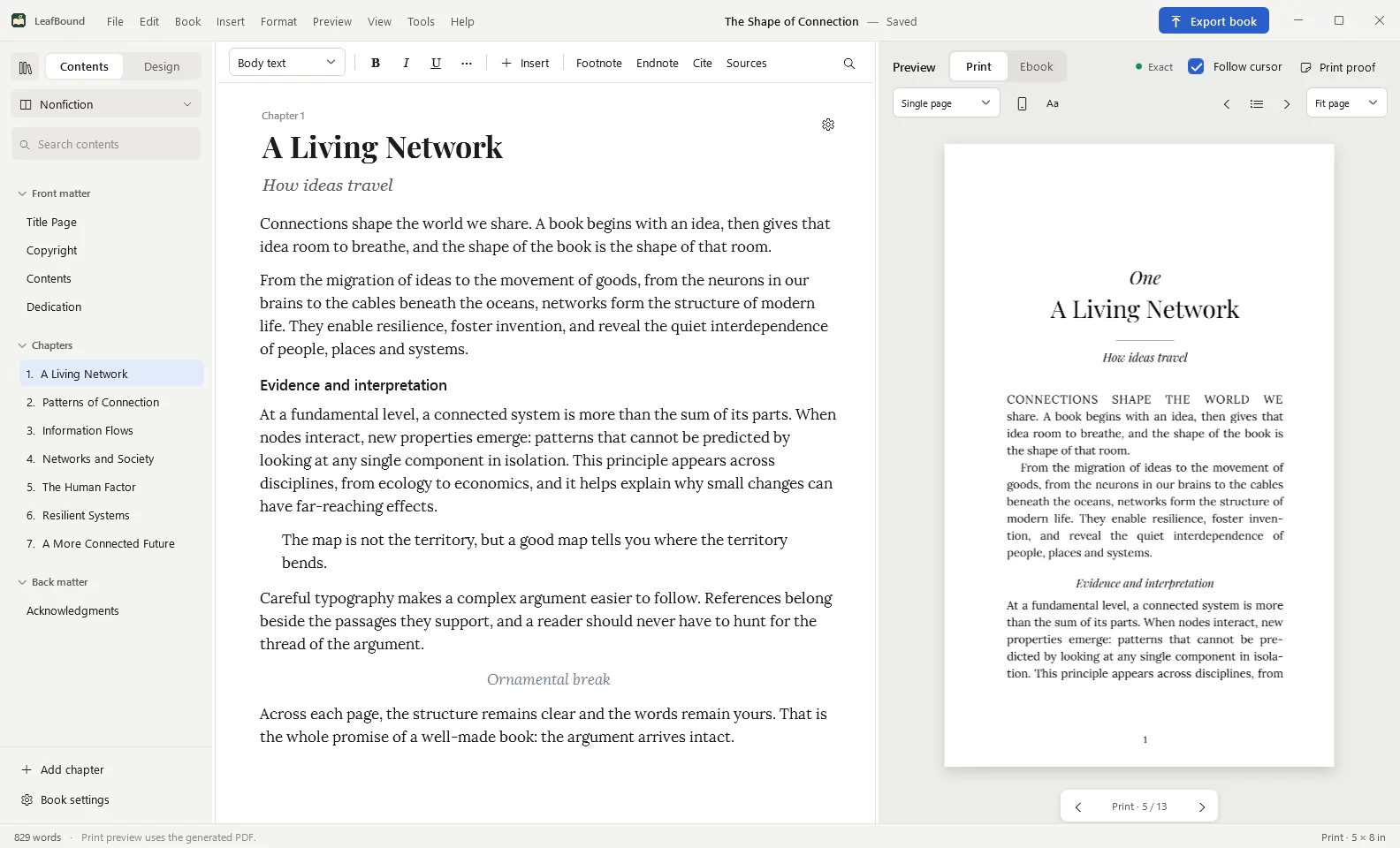
- The real pages as you work. The preview is the generated print PDF.
- A preflight report that tells you what KDP or IngramSpark would reject, and fixes it.
- Six ebook editions from the same source, each with store links.
- A one-time price that is a fraction of a Mac plus a Mac formatter.
Questions from Vellum users
Is there a Windows version of Vellum?
No. As of 2 November 2026, Vellum’s website lists macOS 13 or later as the only supported system, and there is no Windows edition.
Can I run Vellum on Windows another way?
Only by using a Mac remotely, for example a rented cloud Mac, or by borrowing or buying one. Both work, but you pay for the Mac time on top of Vellum, and the screen-sharing lag makes design work slow.
Can I move a book from Vellum to LeafBound?
Yes, through your manuscript. Export or keep your book as a Word (.docx) file and import it into LeafBound, then choose a theme. Design settings do not transfer between the two programs.
Is LeafBound a copy of Vellum?
No. LeafBound is an independent Windows application with its own themes, typesetting engine and print preflight. It is not affiliated with Vellum or its maker.
Compare further
Format your book on the PC you already own.
Import your Word manuscript, pick a theme and export print and ebook files in an afternoon. The trial costs nothing.
LeafBound opens to the public soon, with a free 14-day trial of every feature. Windows 10 and 11, 64-bit.