 LeafBound
Picture books · Pro
A page designer for picture books, with fixed-layout EPUB.
Lay out a picture book spread by spread at the trim size, then export a print PDF with bleed and a fixed-layout EPUB from the same pages. On Windows, in the Pro tier and above.
The designer
Pages, not paragraphs.
A novel is text that LeafBound pours into pages. In a picture book the page comes first, and the words go where the art leaves room.
- A book type of its own. Picture book opens the page designer instead of the manuscript editor. Changing type never deletes content.
- A 32-page starter. Begin from an 8.5 x 8.5 in, 32-page layout with a filled copyright page, or set your own trim and page count.
- Spreads at the trim. Pages are laid out as facing pairs with the bleed and the safe area shown, so a face or a line of text never lands in the cut.
- Art and live text. Place each image, then set the text on the page, with an optional fade behind it so it reads over the art. Text stays text in the ebook. Lettering fonts are included.
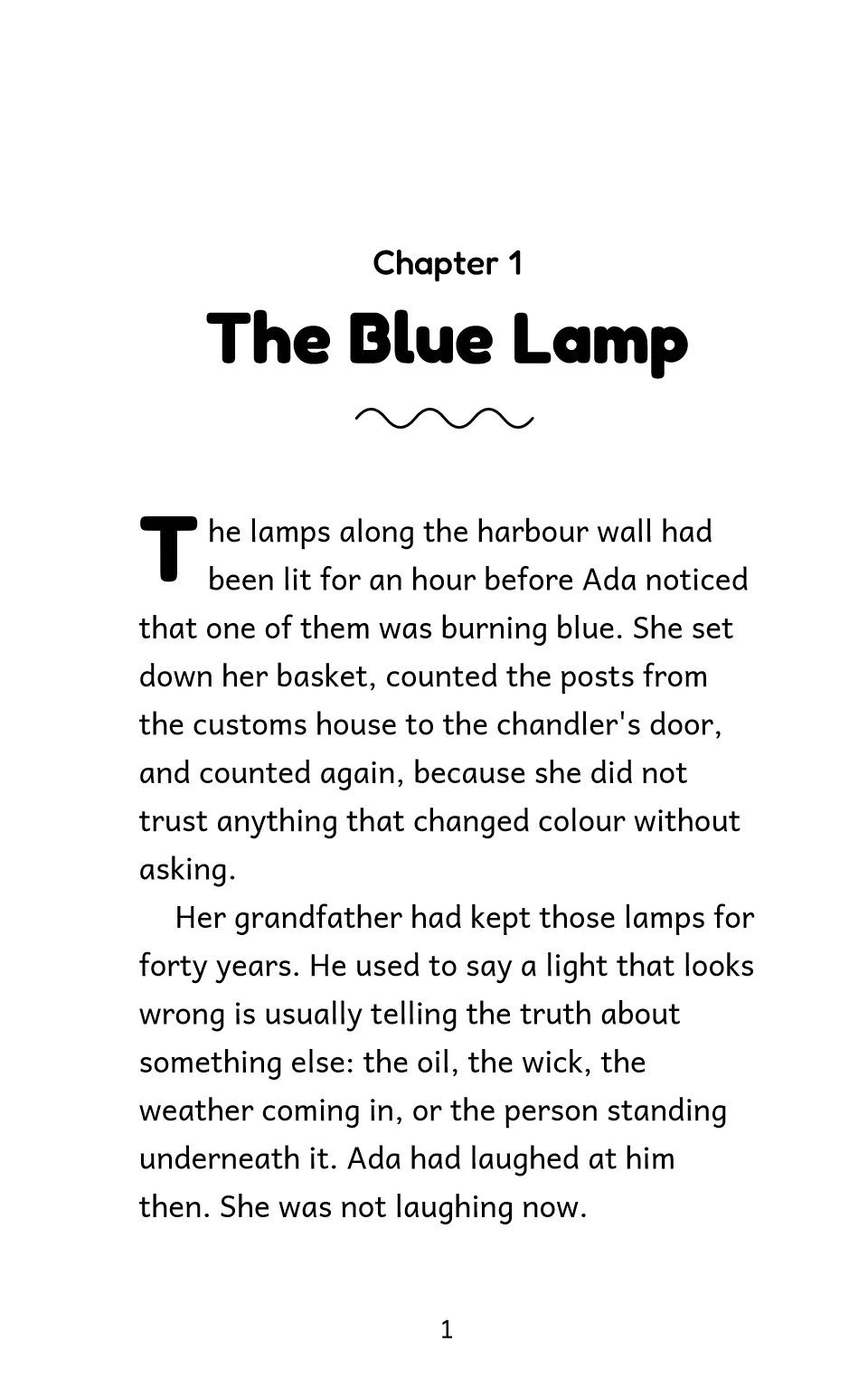
Two files from one layout
Design the pages once. The print PDF and the fixed-layout EPUB come from the same spreads, so the ebook matches the book.
Print PDF with bleed
Every page is written at the trim plus bleed, with the artwork carried to the edge. Print preflight then reads the finished file.
Fixed-layout EPUB
Each page becomes a fixed canvas, with spreads, right-to-left page order when you need it, and text over page art.
Check on a device
The fixed-layout ebooks have not been tried on a Kindle device or in Kindle Previewer. Open your file in Kindle Previewer and on your own device before you publish.
Ebook edition
Fixed layout: the format that replaced Kindle Kids’ Book Creator.
Amazon retired Kindle Kids’ Book Creator on 18 March 2025, and stopped accepting fixed-layout MOBI the same day. A picture book now reaches Kindle either as a fixed-layout EPUB or as a KPF file from Kindle Create, which only Amazon can use.
LeafBound writes the fixed-layout EPUB: one file for every store that takes the format, with the pages you designed rather than a reflowed approximation. The ebooks page covers the reflowable editions for text-led books.
| Format | Stores | Notes |
|---|---|---|
| Fixed-layout EPUB | Kindle, Apple Books, Kobo, Google Play; Nook limited | Written by LeafBound from the designed pages |
| Print PDF with bleed | KDP, IngramSpark and other printers | Written by LeafBound from the same pages; checked by print preflight |
| Kindle Create (KPF) | Amazon only | Free from Amazon; locked themes; cannot be sold elsewhere |
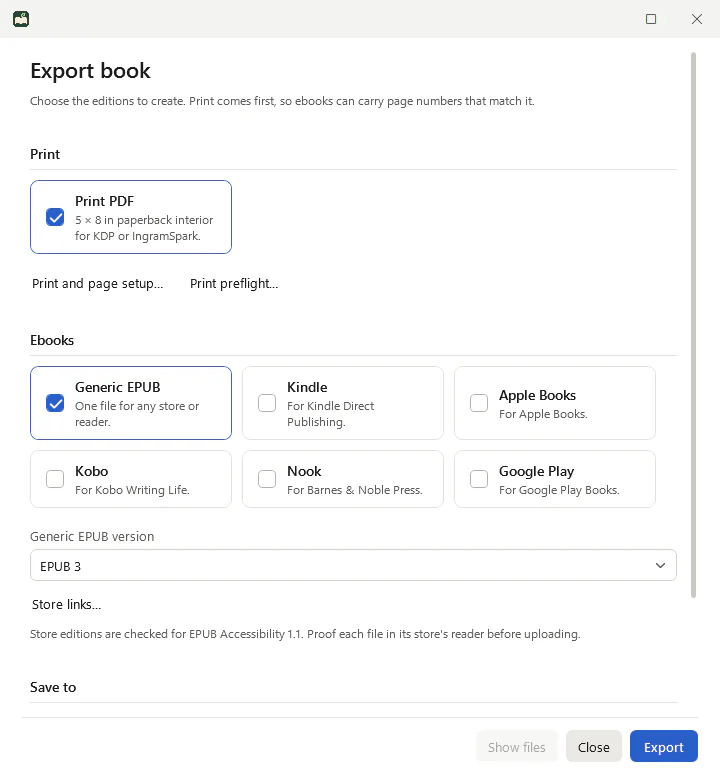
Print edition
Trim, bleed and resolution for picture books
The print PDF follows the same rules as every LeafBound book: the trim you set, 0.125 in of bleed on the three outer edges, and preflight on the finished file.
| Trim | Use | Page size with bleed | KDP cost tier |
|---|---|---|---|
| 8.5 x 8.5 in | Square picture book | 8.625 x 8.75 in | Large trim |
| 8 x 10 in | Portrait picture book | 8.125 x 10.25 in | Large trim |
| 10 x 8 in | Landscape picture book | 10.125 x 8.25 in | Large trim |
- Color. KDP prints picture books in premium color, with a 24-page minimum. The picture book guide explains the 32-page convention.
- Resolution. 300 dpi at the printed size for color art, 600 dpi for line art. Preflight measures each image after scaling.
- Bleed on every page. If any page bleeds, the whole file must, and picture books almost always do. See the bleed guide.
Against the usual tools
Picture books have been the one book type that sent authors to a page-layout program.
| Tool | Fixed-layout EPUB | Print PDF | Platform | Price model |
|---|---|---|---|---|
| LeafBound | Yes, from the designed pages | Yes, with bleed and print preflight | Windows 10 and 11 | One-time, Pro tier and above |
| Affinity (by Canva) | No: reflowable EPUB only in 3.x | Yes, PDF/X with CMYK | Windows and Mac | Free since October 2025 with a Canva account |
| Adobe InDesign | Yes | Yes, PDF/X with CMYK | Windows and Mac | Subscription only, about $22.99 a month |
| Kindle Create | No: KPF, Amazon only | Print from the same project, fixed margins | Windows and Mac | Free |
LeafBound is not a drawing program: make the art in whatever you draw with and bring the finished images in. Vellum (the Mac book formatter at vellum.pub) and Atticus are built for text-led books (checked 3 November 2026).
Picture book questions
Can LeafBound make a picture book for KDP?
Yes. Start a Picture book from the 32-page, 8.5 x 8.5 in starter or set your own trim, place the art and the text on each spread, and export a print PDF with bleed on every page. Print preflight then checks the file before you upload. The picture book guide has the trims, the 32-page map and KDP’s color options.
What is a fixed-layout EPUB, and which stores take it?
An EPUB in which every page is a fixed canvas, so the art and the text stay where you put them instead of reflowing. Kindle, Apple Books, Kobo and Google Play accept fixed-layout EPUB; support on Nook is limited. LeafBound writes one from the same pages as the print PDF.
Is this a Kindle Kids’ Book Creator alternative?
Amazon retired Kindle Kids’ Book Creator on 18 March 2025. Since then a picture book reaches Kindle as a fixed-layout EPUB, or as a KPF file from Kindle Create that only Amazon can use. LeafBound makes the fixed-layout EPUB, which the other stores take too, and the print PDF from the same layout.
Which tier includes the designer?
The picture-book designer and fixed-layout ebooks are in the Pro tier and above. The 4-day trial includes every Pro tool.
Are the fixed-layout ebooks accessible?
Each export is checked with EPUBCheck for validity and Ace by DAISY for accessibility in our test suite. Describe every image that carries the story, since a picture book is mostly images, and test the file in the reading apps your readers use.
Keep reading
Lay out the spreads, then export print and ebook from the same pages.
The free 4-day trial includes every Pro tool. Design a spread, export the print PDF with bleed and the fixed-layout EPUB, and run preflight before you pay.
Early access · Author from $79 once · free 4-day trial · Windows 10 and 11