 LeafBound
 for nonfiction authors
Your nonfiction book, with every heading, table and note in place.
Import the manuscript with its subheadings, pictures and notes, choose a nonfiction theme, and export a print-ready paperback and every ebook edition from one file. On Windows, from $79 once.
- 4table styles
- 6callout treatments
- 14core themes in the Author tier
- $79once. No subscription
What a nonfiction author gets
Subheadings that carry over
The headings and subheadings in your Word file arrive as headings, each theme sets them in its own type, and a typesetting setting keeps a subheading with the text that follows, where the layout allows.
Tables in four styles
Insert a table, edit it in place in the manuscript and choose one of four table styles. Tables also export to the ebook editions and to Word.
Callouts for what must stand out
Callout boxes come in six treatments, with a style and color menu, for the tip, the warning or the key point you want a reader to find again.
Notes where readers look for them
Footnotes print at the foot of the page, endnotes collect at the end of the book, and in the ebook every note is linked.
Pictures with captions
Place an image, set its width and frame, and give it a caption and a description. Print preflight checks its resolution at the size it prints.
Corrections made once
The print PDF and the editions for Kindle, Apple Books, Kobo, Nook and Google Play come from the same file, so a fixed figure or a rewritten step is fixed everywhere.
Bring the structure you already built.
A how-to manuscript is mostly structure: chapters, headings, lists, figures and notes.
LeafBound imports a Word (.docx) manuscript with its headings, footnotes and endnotes, lists, images and their alt text, links and emphasis. It also reads Markdown, plain text and EPUB files. Smart import finds the title page, the parts and chapters and the front and back matter, and replaces a typed contents list with one that keeps itself up to date.
Before you start, the Set up your book step shows the title, authors and language it found and a one-line count of chapters and parts. Smart import lists anything it moved. The Word import guide explains which heading styles to use so that every level arrives where you expect.
Tables, callouts and pictures, without a layout program.
Tables, callouts and pictures go straight into the manuscript.
A table is edited inline, in the manuscript, and takes one of four table styles. A callout is a boxed passage in one of six treatments, with a menu for its style and color. An image has a placement, a width, a frame, a caption and a description that becomes its alt text in the ebook.
The tables and callouts page shows each style. If your book is mostly pictures, the Illustrated book type is described on the page for illustrated books.
Footnotes, endnotes, an index and a glossary.
Which tools you need decides which tier you need.
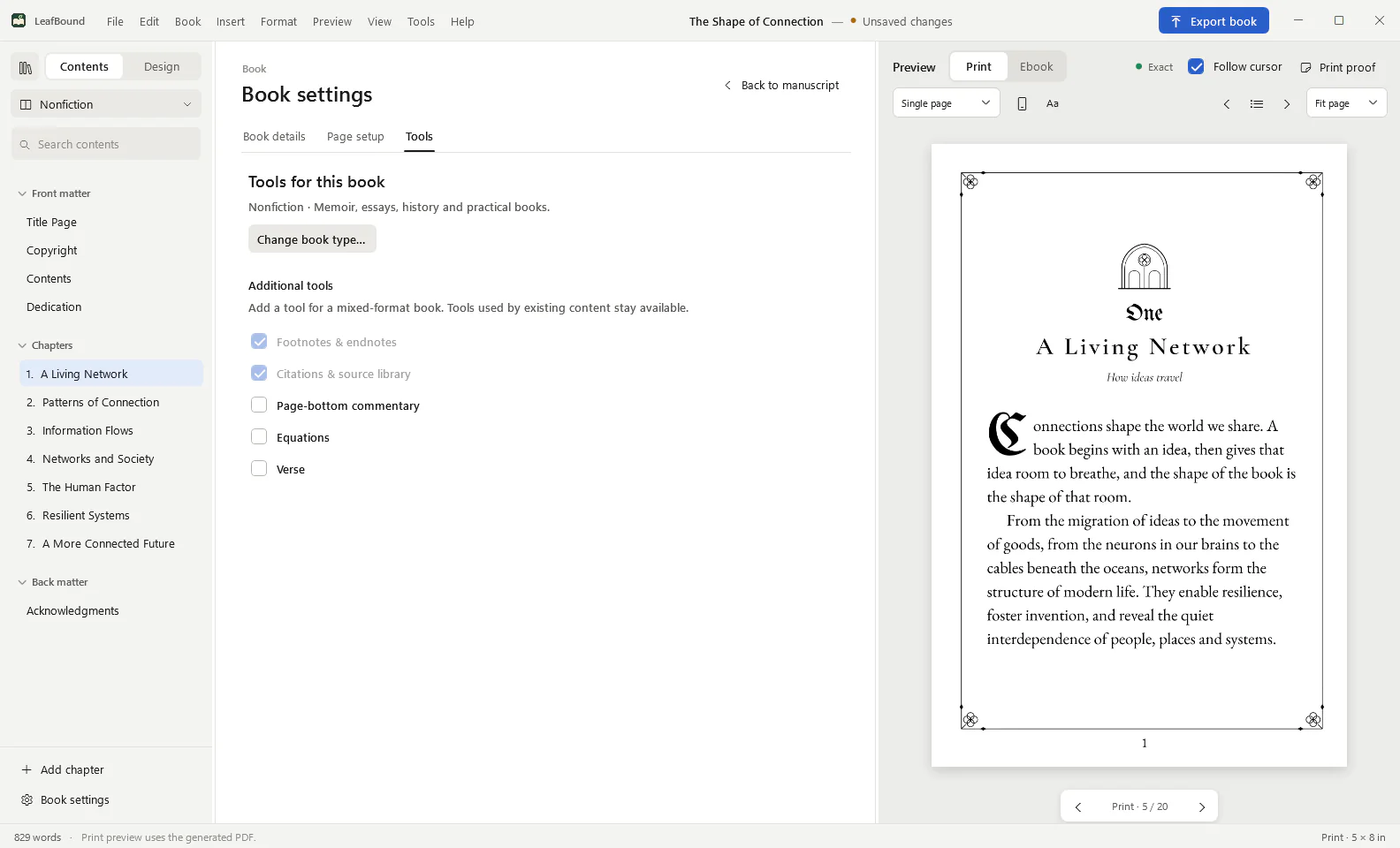
Footnotes and endnotes are in the Author tier. A footnote prints on the page that cites it, an endnote goes to a notes section at the back, and both become linked notes in the ebook. The footnotes and endnotes page covers both in detail.
Citations with a source library and a bibliography, in Chicago, APA 7, IEEE or Vancouver style, come with the Academic tier at $99. The index and glossary tools, cross-references and figure and table numbering sit with the Academic tools too. See the index and cross-references page and the Academic page.
- Author: footnotes, endnotes, images, tables and callouts
- Academic: citations and bibliography, index, glossary, cross-references, figure and table numbering
- Either tier: a notes section and a bibliography section as parts of the book
A design for a book people use.
128 themes in 394 variations, with a Nonfiction category of their own.
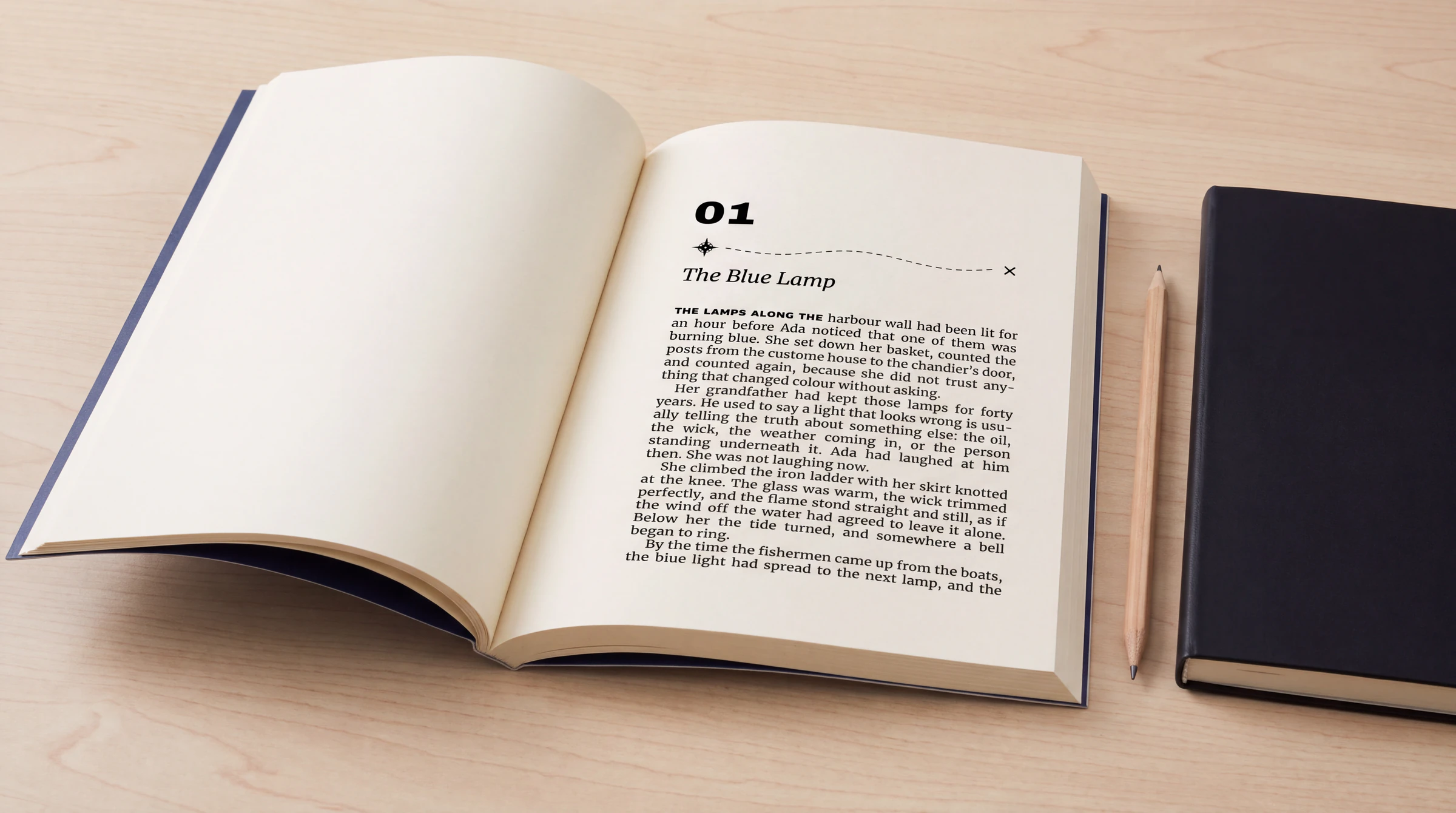
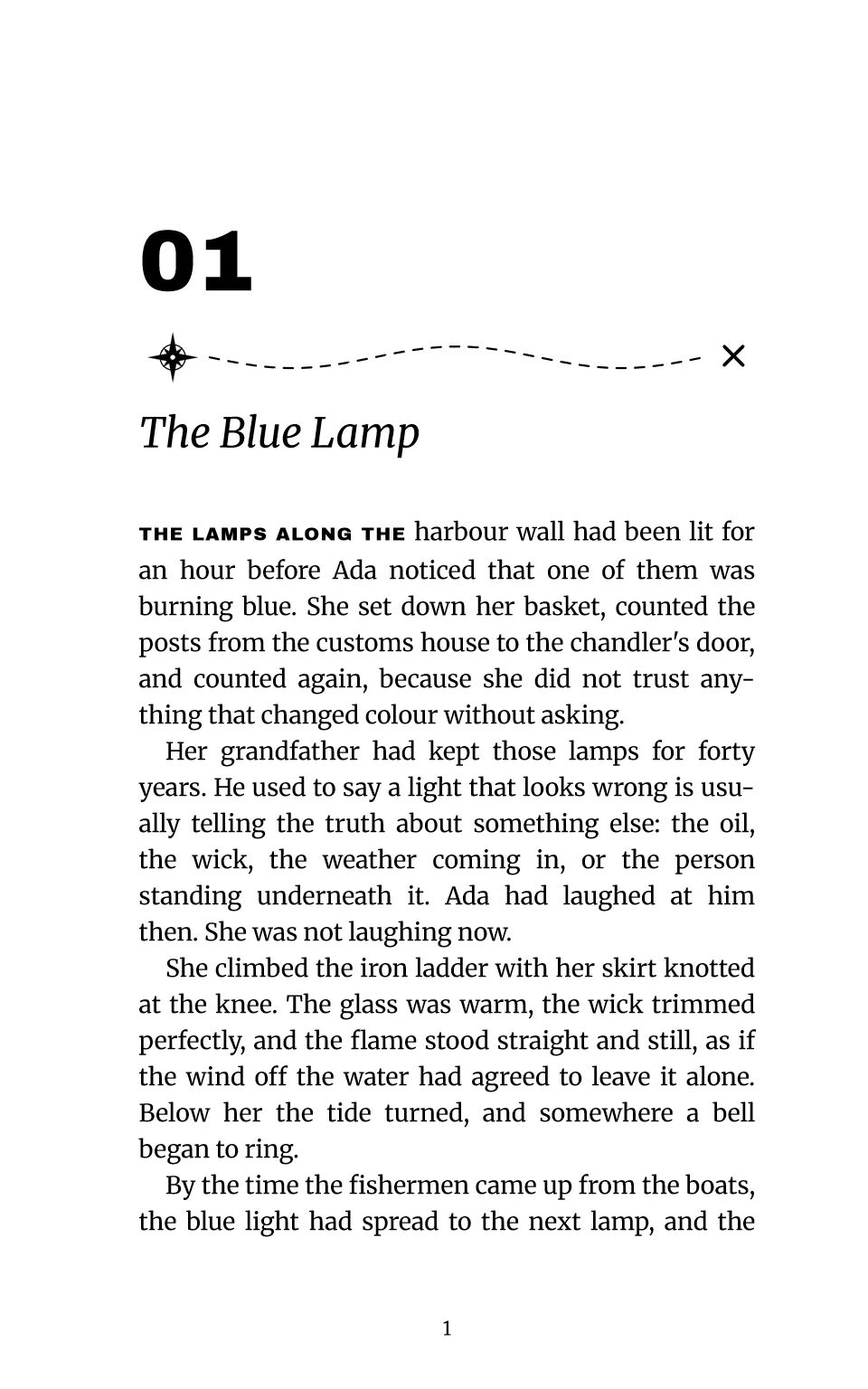
Compass suits travel and adventure, Keepsake suits memoir and personal essay, and Treatise suits reference. All three are among the 14 core themes in the Author tier, and Pro includes all 128. Every theme also comes in a Large print and an Accessible version, so the same manuscript can become a second edition for readers who need bigger type. Browse the themes.
When the book is set, print preflight reads the finished PDF against KDP and IngramSpark rules and names the page of anything it finds. The printer makes the final decision, so order a printed proof before you publish.
Which tier
Author, $79 once.
Author covers a nonfiction book with subheadings, images, tables, callouts, footnotes and endnotes, in print and as ebooks, with 14 core themes. Citations with a bibliography, and the index and glossary tools, come with Academic. The free 4-day trial includes every tool in the personal tiers.
Questions
Can LeafBound format a how-to book with many subheadings and lists?
Yes. Headings and lists come in from your Word file as headings and lists, the theme sets each heading level, and the contents page is generated from the chapters and kept up to date as you edit.
Does it handle tables?
Yes. Insert a table, edit it in place and pick one of four table styles. Tables are also written into the EPUB editions and into Word export.
Can I use footnotes or endnotes?
Both, in the Author tier. Footnotes print at the foot of the page and endnotes collect at the end of the book. In the ebook each note is linked, and the footnotes in ebooks guide shows what readers see in each store.
Can I make an index or a glossary?
Yes, with the Academic tools. LeafBound has index and glossary tools, together with cross-references and figure and table numbering. They are described on the Academic page.
What trim size suits a nonfiction book?
5.5 x 8.5 in and 6 x 9 in are both standard KDP paperback trims, and the larger page gives tables and pictures more room. The KDP trim size guide lists every size and what each costs to print.
Does LeafBound write the book for me?
No. LeafBound formats the book you wrote. Its optional AI connections are off by default, can apply formatting and propose copyedits for you to accept or reject, and do not draft prose.
Is it a subscription?
No. You pay $79 once for the Author tier and keep that major version. If the book later needs citations or an index, moving up to Academic costs the difference between the two.
Keep reading
The book page in the photograph was typeset in LeafBound. The photograph is an illustration, and small text in it may differ from the exported page.
See your own chapters, tables and notes typeset before you pay.
The free 4-day trial lets you import your manuscript, try the nonfiction themes, add a table and run a print preflight.
Early access · Author from $79 once · free 4-day trial · Windows 10 and 11