 LeafBound
 for memoir writers
Your life story, made into a real book.
Import what you have written, place the photographs, and export a book you can publish or simply hand to your family. LeafBound runs on Windows and costs $79 once.
- 14core themes in the Author tier, Keepsake among them. Pro has all 128
- 17 ptbody text in every Large print version
- 2 minbetween automatic recovery copies
- $79once. No subscription
What a memoir writer gets
A design made for memoir
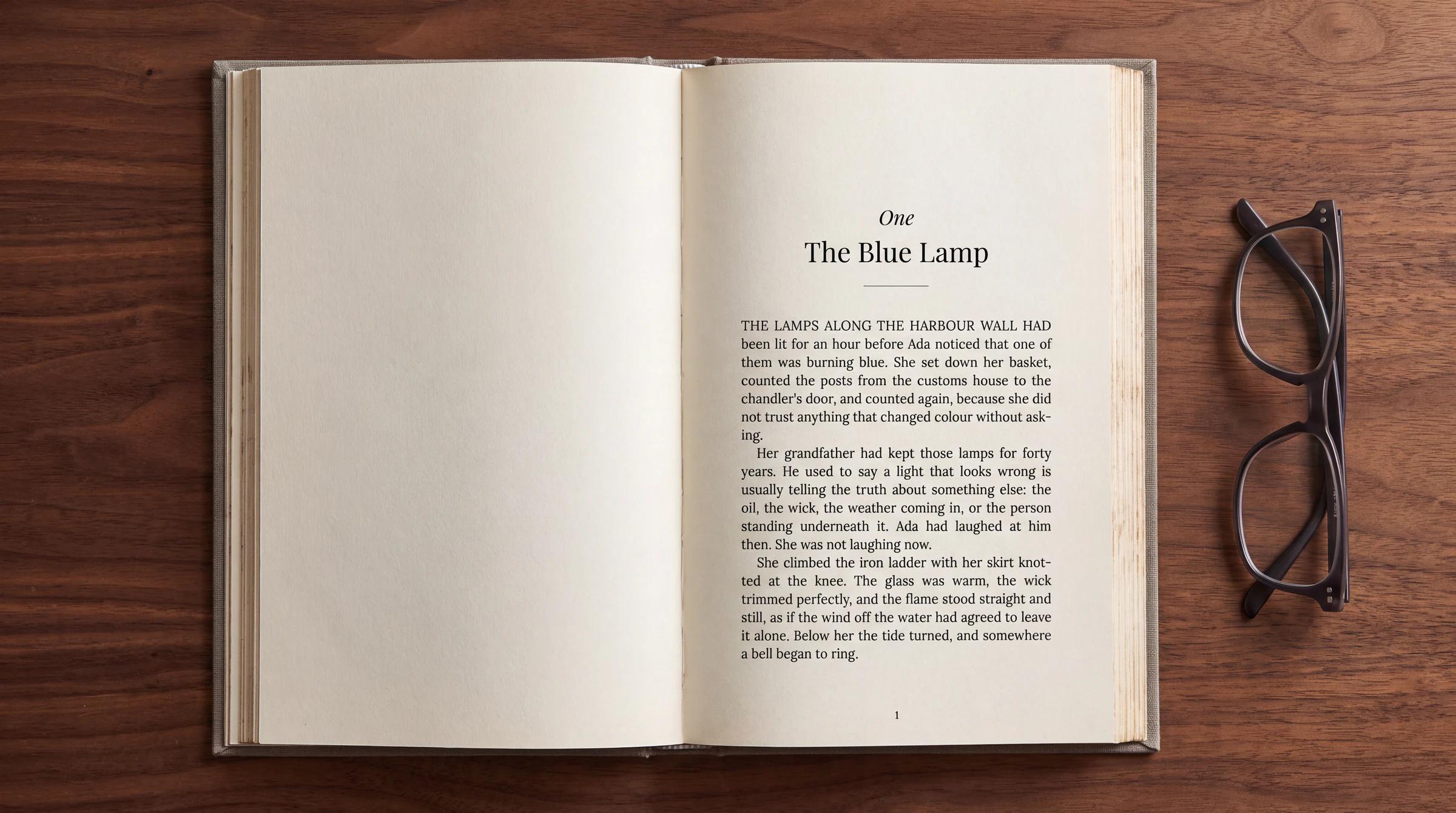
Keepsake is the theme for memoir and personal essay. One click sets the typefaces, the chapter openings and the ornaments for the whole book.
Photographs with captions
Place each photograph with its width, frame and caption, and add a description so the ebook works for a reader who cannot see the picture.
A large print version
Every theme has a Large print version with 17 pt body text, a ragged right edge and no hyphenation, made from the same manuscript.
Dedication and front matter
Dedication, epigraph, foreword, preface and acknowledgments are built-in elements, each with its own page.
Nothing lost while you write
LeafBound keeps an automatic recovery copy every 2 minutes, and you can take a snapshot before a big change.
A file your family can open
The free Reader tier opens and reads a LeafBound book and exports it to Word, so a relative with a Windows PC can read a chapter without buying anything.
Keepsake, a design for memoir.
You do not need to know anything about typesetting.
Keepsake is among the 14 core themes in the Author tier. Choose it and the book is set: the body type, the way each chapter opens, the running heads and the ornament between sections. If you want to change something, the controls are plain ones, such as the chapter number style or whether the first line starts with a drop cap.
Smart import reads a Word, Markdown or plain text manuscript and finds the title page, the chapters and the back matter. The Word import guide explains how to tidy a manuscript first.
Photographs, placed properly.
A memoir often turns on a handful of pictures.
Each photograph has a placement, a width, an optional frame, a caption and a description. Pictures already in your Word manuscript come in with it. If the book is built around photographs, start with the Illustrated book type, which is set up for images; you can change the book type later without losing anything. LeafBound for illustrated books goes further.
Old prints are usually the weak point. 300 dpi at the size the picture appears on the page is the usual target for print, and print preflight reports the resolution of each image in the finished PDF, so you know which scans to redo before you order copies.
A large print version for the readers who need it.
The people who most want to read a memoir are often the ones who find small type hard. Every theme has a Large print version, set at 17 pt with a ragged right edge and no hyphenation, and an Accessible version with a typeface designed for legibility, left-aligned headings and no drop caps. Both come from the same manuscript, so you do not format the book twice.
Large print makes a longer book, roughly a third to a half more pages, so check the page count in Compare themes before you choose a trim. The large print guide explains the sizes and standards, and the large print and accessible page shows the versions.
For one bookshelf, or for sale.
Not every memoir is written to be sold. The print PDF is the same either way, and printers such as KDP and IngramSpark print from a single copy, so a dozen books for a family gathering has no minimum order to meet. The special edition guide lists each printer’s minimum run.
A family history book has needs of its own. When most chapters have their own writer, as when several relatives each contribute one, LeafBound reads the “by” line under each chapter title and shows that writer’s name in the contents and in the running head. A list of dates or a line of descent fits a table, which comes in four styles, and a family tree drawn elsewhere goes in as an image. An index of names is part of the Academic tier.
Which tier
Author, $79 once.
Author covers a memoir in print and as an ebook, with 14 core themes, photographs with captions, Large print and Accessible versions and print preflight. Keepsake is among the 14 core themes in the Author tier. The free 4-day trial lets you see your own pages first.
Questions
How do I add photos to a memoir?
Insert each photograph where it belongs in the text, then set its placement, width and frame and type a caption. Add a short description too. The ebook export asks for one for any picture that lacks it.
How good do my old photos need to be for print?
Print needs more detail than a screen. 300 dpi at the size the picture appears on the page is the usual target. Print preflight reports the resolution of each image in the finished PDF, so you can rescan the weak ones before ordering.
Can I make a large print edition for older relatives?
Yes. Switch the theme to its Large print version and export again. The body text is 17 pt, which is inside the 16 to 18 pt range the large print standards describe. The large print guide has the details.
Can I print just a few copies for my family?
Yes. The export is a print-ready PDF, and print-on-demand printers such as KDP and IngramSpark print from one copy. Order a single proof first and read it before ordering the rest. The special edition guide lists each printer’s minimum run.
What size should a memoir be?
6 x 9 in is the most popular KDP trim and suits memoirs. It also leaves room for a Large print version, which usually needs 6 x 9 in or larger. See the trim size guide.
Do I have to write the memoir in LeafBound?
No. Write in Word and import the file when you are ready, or write in LeafBound, where you can set writing goals and take snapshots. Either way you can export the manuscript back to Word at any time.
Does LeafBound work on a Mac?
No. It is a Windows app, for Windows 10 and 11.
Keep reading
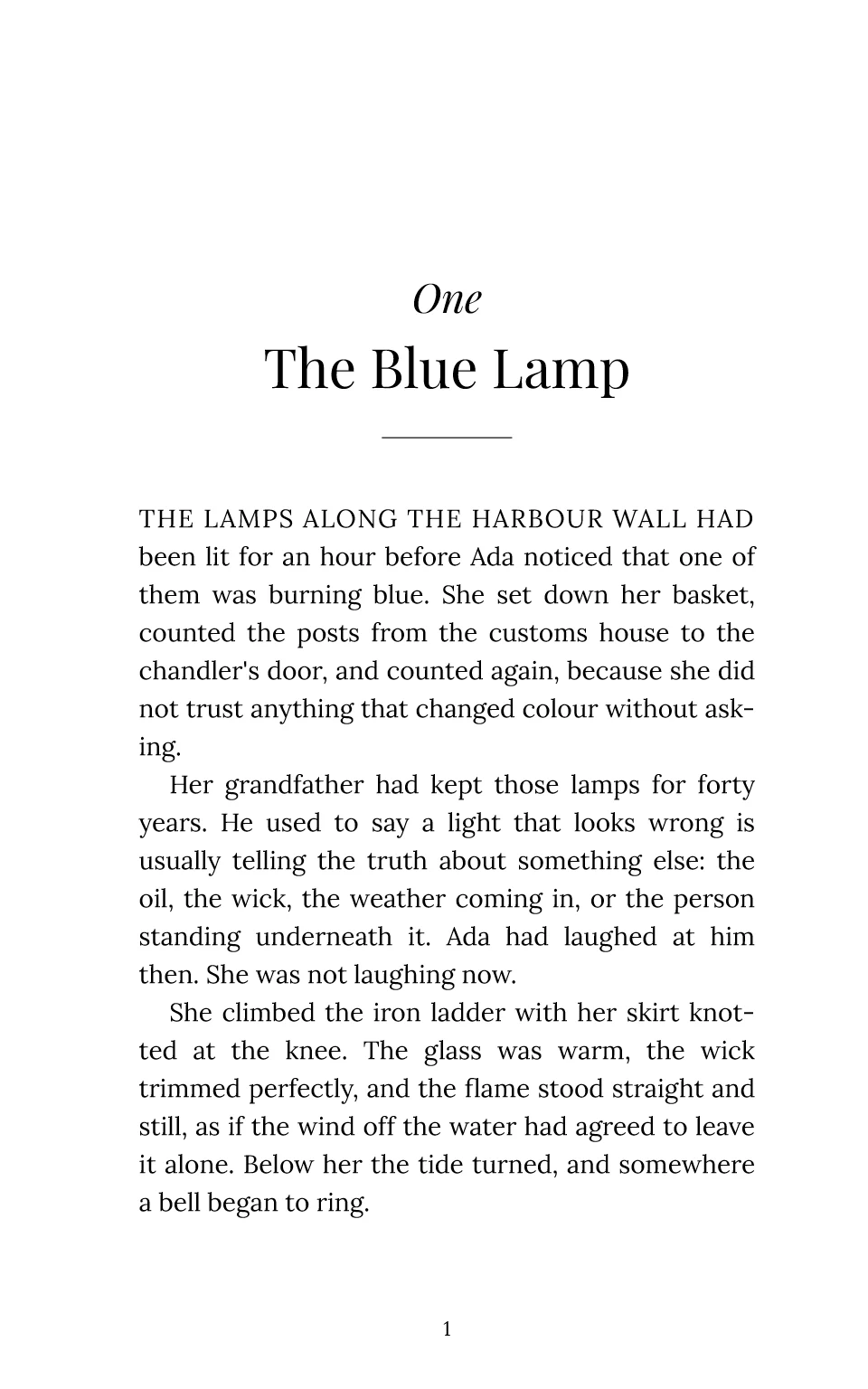
The book page in the photograph was typeset in LeafBound. The photograph is an illustration, and small text in it may differ from the exported page.
See a chapter of your memoir as a printed page.
The free 4-day trial lets you import your manuscript, add a photograph and see both the Standard and the Large print version before you pay.
Early access · Author from $79 once · free 4-day trial · Windows 10 and 11