 LeafBound
 for illustrated books
Pictures and text on the same page, each in its place.
The Illustrated book type places your images in the text with captions, frames and descriptions, then checks every picture’s resolution in the finished print file. One source makes the printed book and the ebooks. On Windows, from $79 once.
- 5settings for each image: placement, width, frame, caption and description
- 25+print checks, image resolution among them
- 0.125 inof bleed where art reaches the edge of the page
- $79once. No subscription
What an illustrated book gets
Placement and width you set
Each image has its own placement and width, so a map can take the full width of the text while a small portrait takes a third of it.
Frames and captions
Give a picture a frame, a caption or both, from the same properties dialog. The caption prints with the image wherever the image lands.
A description for every image
The description is the image’s alt text. Word manuscripts bring theirs along, and LeafBound asks for any that are missing before an ebook export.
Resolution checked at print size
Print preflight measures each image after scaling, at the size it prints, and names the page of any that fall short.
Bleed when the art needs it
Set bleed to When needed and LeafBound adds it only when artwork reaches the trim, or choose Every page.
Store limits flagged
The Kindle edition warns about images over 5 MB, and the Apple Books edition about images over 4 megapixels.
Place a picture, then say how it sits.
A field guide, a family history and a travel book all need the same five decisions about every picture.
Insert an image where it belongs in the text and open its properties. Placement decides where it sits, width decides how much of the page it takes, and a frame sets it off from the text. The caption prints with it. The description does not print: it is there for readers who cannot see the image.
If the manuscript is a Word file, its images arrive with the text, along with whatever alt text they had. The Illustrated book type picks a starting theme and the tools an image-led book needs, and changing the type later deletes nothing.
Captions for readers, descriptions for screen readers.
They are different texts, and an accessible ebook needs both.
A caption tells every reader what they are looking at. A description tells a reader using a screen reader what is in the picture. Before an ebook export, LeafBound’s Describe images step lists the images that have no description yet, and it marks the ebook as accessible only when every image that carries meaning has one.
That mark is part of the accessibility metadata the ebook carries. The EPUB accessibility guide explains the standard, and the ebooks page lists the store editions. If someone else made the pictures, an Illustrated by credit line appears in print, in the EPUB and in Word.
Print: resolution, bleed and color.
Three things decide whether an illustrated book prints well.
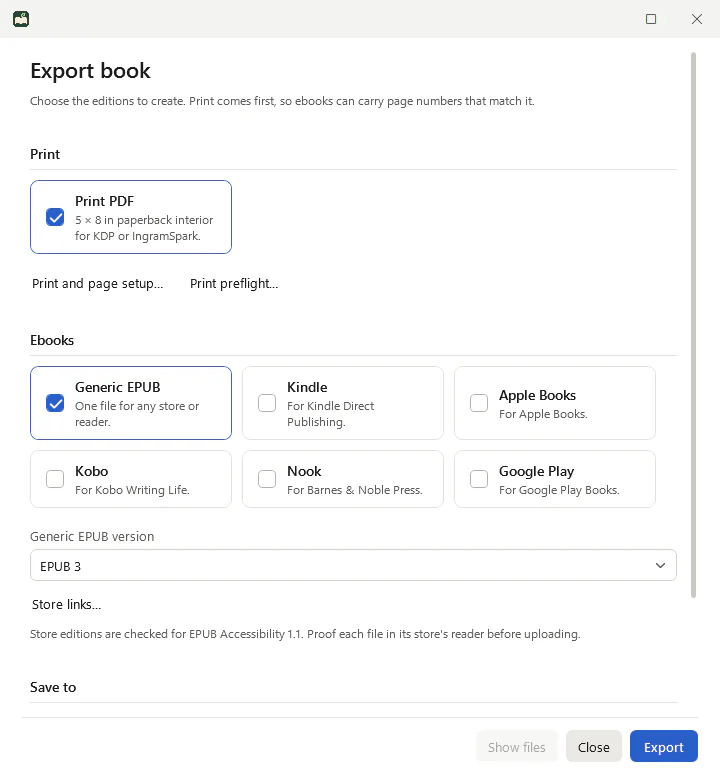
Resolution first. A 1,200 pixel photograph printed 6 in wide is 200 ppi, which is below the 300 ppi printers ask for. Print preflight works that out for every image at its printed size. It cannot add detail that is not in the file, so it tells you which picture to replace.
Bleed second. A picture that runs to the edge of the page needs 0.125 in of extra image on the top, bottom and outside edges, and the bleed guide gives the page size for every trim. Color third: the list below shows what each tier writes.
- A print-ready PDF with every font embedded, in every paid tier
- PDF/X-3:2002 for color interiors and PDF/X-1a:2001 for black-and-white interiors, in Pro
- CMYK color interiors, written as color PDF/X-1a:2001 through a GRACoL profile, in Pro
- PDF/X files pass LeafBound’s own checks and are not independently certified. The printer makes the final decision, so order a printed proof and look at the pictures on paper
Illustrated book or picture book?
The difference is whether the text or the page comes first.
In an Illustrated book the text flows from page to page and the images travel with it. Add a paragraph and everything after it moves, pictures included. That suits history, nature writing, travel, craft and any book where the words lead.
In a picture book every page is composed by hand and nothing reflows. LeafBound’s picture-book designer and fixed-layout ebooks are in the Pro tier. The picture books page describes them, and the page for children’s authors covers illustrated chapter books.
Which tier
Author, $79 once.
Author includes the Illustrated book type, images with captions and descriptions, 14 core themes, print preflight for KDP and IngramSpark and every ebook edition. PDF/X press output comes with Pro. The free 4-day trial includes every tool in the personal tiers.
Questions
Can I put photographs with captions in my book?
Yes. Insert each photograph where it belongs, set its placement and width, and type a caption. You can add a frame, and a description for the ebook. The same images appear in the print PDF and in each ebook edition.
What resolution do images need for print?
300 ppi at the size the image prints. LeafBound measures each image after scaling, so a picture that is sharp when small is flagged if you enlarge it past what its pixels can support.
Do I need bleed for full-page images?
Only if the image reaches the edge of the page. Then the file needs 0.125 in of bleed on the top, bottom and outside edges. The bleed guide has the page size for each trim.
Will the pictures be in the ebook?
Yes. Each ebook edition carries the images, with their descriptions for screen readers. The Kindle edition warns about any image over 5 MB and the Apple Books edition about any over 4 megapixels.
Can LeafBound send color pages to a press?
Yes, in the Pro tier. LeafBound writes PDF/X-3:2002 for color interiors, and CMYK color interiors as color PDF/X-1a:2001 through a GRACoL profile. The files pass LeafBound’s own checks and are not independently certified, so send your printer a test file or order a proof. The PDF/X guide explains which printers ask for which standard.
Is LeafBound a drawing or photo editing program?
No. Make and correct your pictures in the program you already use, and bring the finished images into LeafBound.
Is it a subscription?
No. Author is a one-time purchase of $79 for the major version. If you later need PDF/X output for a press, you can move up to Pro and pay the difference.
Keep reading
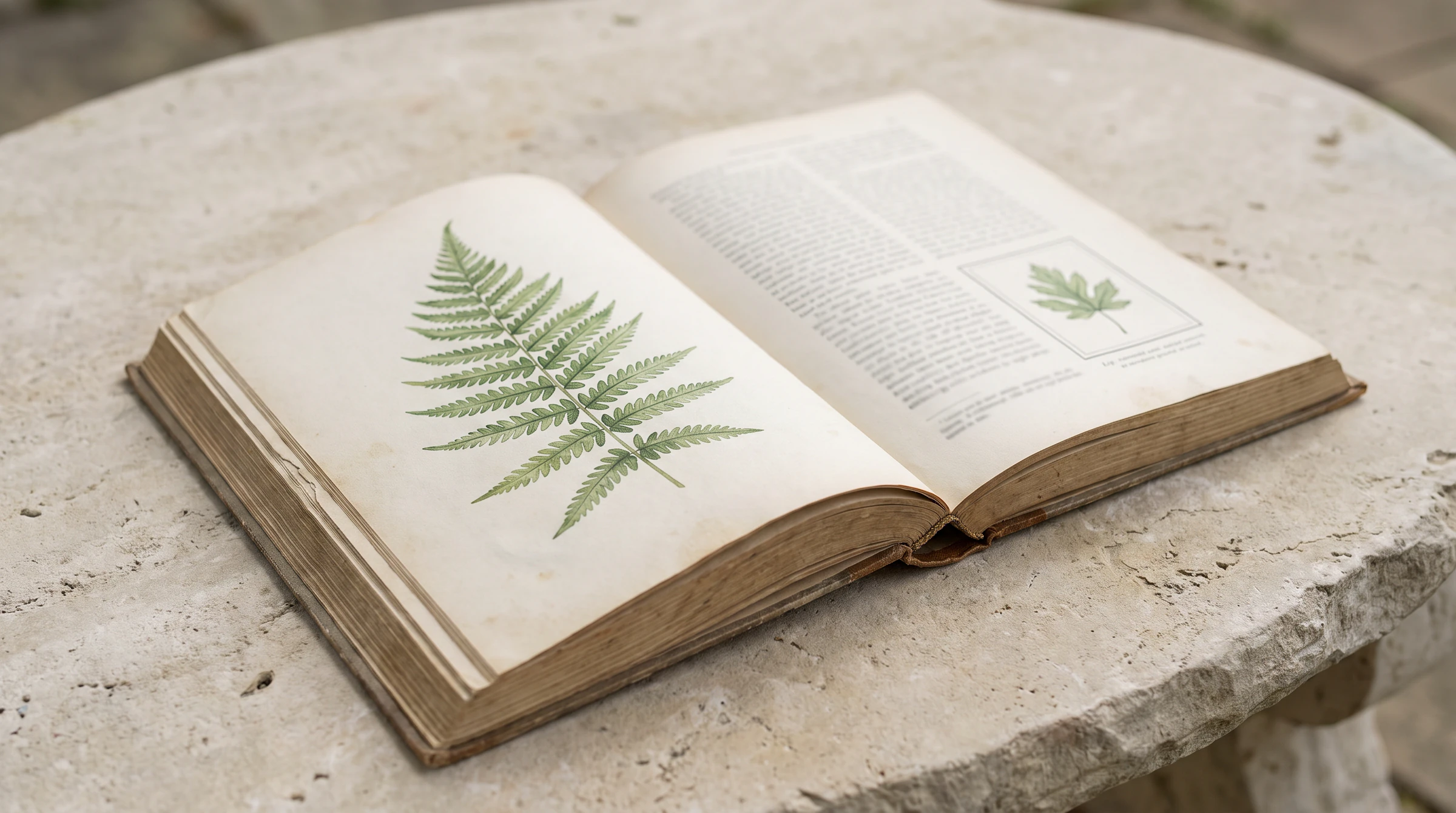
The photograph is an illustration, not a book made in LeafBound.
Put your own pictures on the page before you pay.
The free 4-day trial lets you import an illustrated chapter, caption the images and run a print preflight on their resolution.
Early access · Author from $79 once · free 4-day trial · Windows 10 and 11