 LeafBound
Index, glossary and cross-references
Help readers find their way around your book.
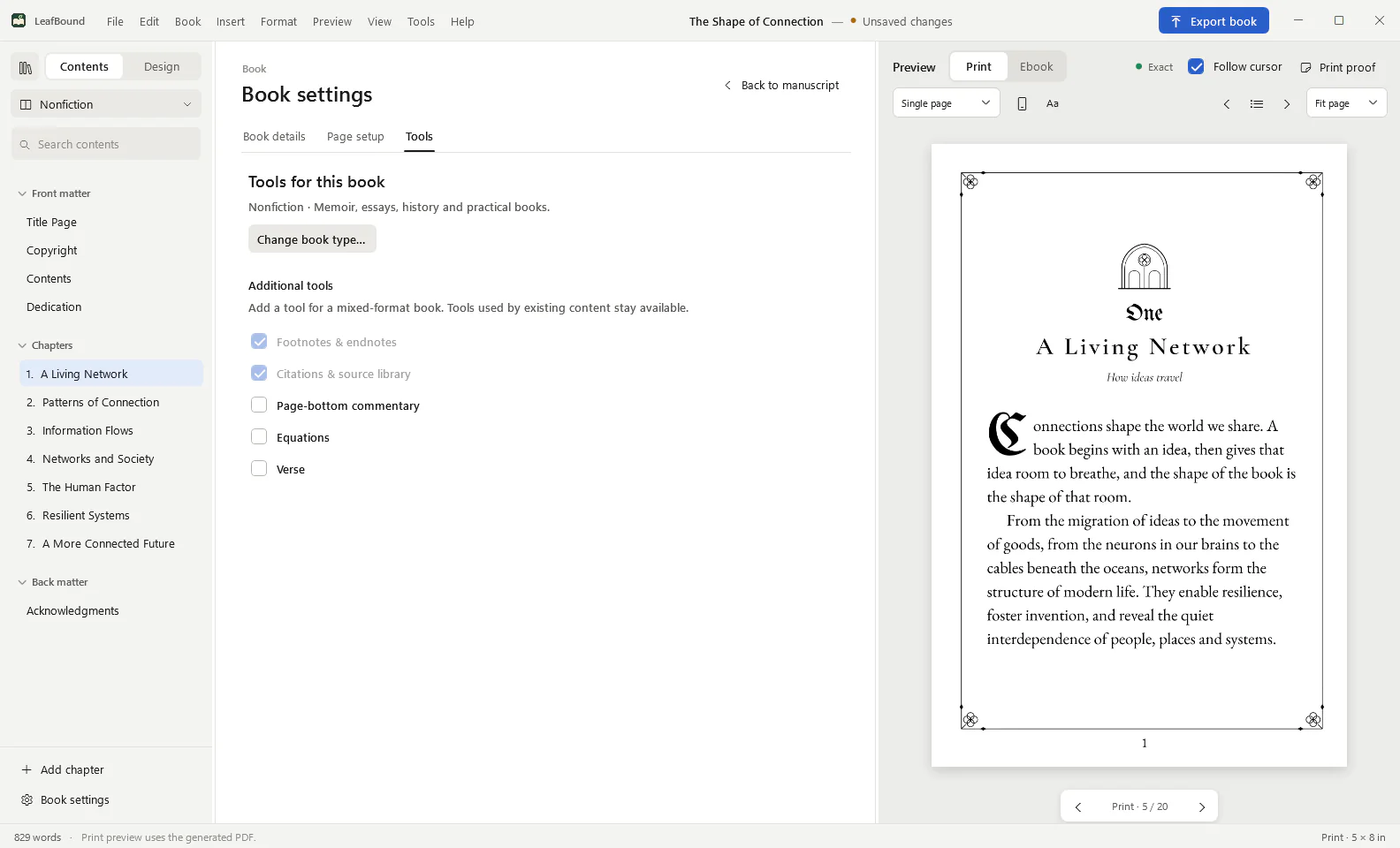
LeafBound Academic includes an index, a glossary, cross-references, and numbering for figures, tables and sections, with lists of figures and tables. You make them in the same app that typesets the pages.
- 3things numbered for you: figures, tables and sections
- 2lists made for you: figures and tables
- 4citation styles in the same tier
- $99once, in the Academic tier
What the reference tools cover
An index
An index tool is part of LeafBound, so the index is made in the app that sets the pages and not in a separate program.
A glossary
A glossary for the terms your book defines, kept with the book.
Cross-references
Cross-references point a reader from one place in the book to another.
Figure, table and section numbering
LeafBound numbers figures, tables and sections, so the numbers are not typed by hand.
Lists of figures and tables
The lists a reference book carries after its contents page.
One set of scholarly tools
They sit beside citations and LaTeX equations in the Academic tier.
An index made where the book is typeset.
An index is a map from ideas to pages, and pages exist only once the book is set.
That is the reason indexing belongs at the end of the work and in the tool that makes the pages. The index is one of LeafBound’s Academic science tools. It belongs to the app that sets your pages, not to a separate program, and the preview beside your text is the real print PDF, so the pages you are looking at are the pages the reader will turn to.
What goes into an index is still a matter of judgment: which terms a reader will look up, which passages deserve an entry, and which mentions are only passing. Software holds the entries. The choices are the author’s or the indexer’s, and a short, well-chosen index serves a reader better than a long list of every proper noun.
Figures, tables and sections, numbered for you.
Hand-typed numbers break the moment a figure moves.
LeafBound numbers figures, tables and sections, and makes lists of figures and tables for the book. Cross-references are part of the same set of tools, for the sentences that send a reader to another part of the book.
The things being numbered are made elsewhere in LeafBound. Tables come from Insert, then Table: see tables and callouts. Displayed equations have numbering of their own, which the equations guide explains. Notes and sources are covered on the pages for footnotes and endnotes and citations and bibliography.
A glossary for the terms you define.
A textbook, a handbook or a study edition often uses words its reader is meeting for the first time. The science tools include a glossary, so those definitions have a home in the book instead of being repeated in every chapter.
The Academic tools also include chemistry and units, and a molecule builder for drawing structures. The molecule builder is a drawing tool: it does not check valence or assign stereochemistry.
If you came looking for the meaning of a publishing term such as trim, bleed or recto, that is a different glossary: see this site’s glossary of book formatting terms.
Where these tools fit in an academic book.
Reference tools come last, but the book type decides early which tools you see.
LeafBound has seven book types, Picture book among them (in Pro), and each one picks its tools and a starting theme. Academic and research is the type for monographs, textbooks and theses. Changing the type later never deletes content, so a book that began as plain nonfiction can become an academic one when it grows notes and figures.
Authors coming from LaTeX can import a whole .tex book, with its cross-references, figures and tables, in Academic, and LeafBound can export LaTeX too. The LaTeX page describes both, and LeafBound Academic lists everything else in the tier.
- Write or import the book and choose the Academic and research type
- Add figures, tables, equations and sources as you go
- Let LeafBound number figures, tables and sections
- Add cross-references, the glossary and the index when the text has settled
- Check the pages in the print preview, then export
Which tier
Academic, $99 once.
The index, the glossary, cross-references and figure, table and section numbering are Academic tools, alongside citations, equations and page-bottom commentary. Academic includes everything in Author, and Pro and Studio include everything in Academic. The free 4-day trial includes every tool in the personal tiers.
Questions
Can I create an index for a book without separate indexing software?
Yes. LeafBound Academic includes an index tool among its science tools, in the same app that typesets the book.
Does LeafBound number figures and tables?
Yes. The Academic science tools number figures, tables and sections, and make lists of figures and tables.
Can my book have a glossary?
Yes. A glossary is one of the Academic science tools.
Can I add cross-references in a book layout?
Yes. Cross-references are part of the same tools as figure, table and section numbering.
Which tier includes the index and cross-references?
Academic, at $99 once for the major version. Pro and Studio include everything in Academic. Compare the tiers.
Can I bring cross-references in from a LaTeX manuscript?
Yes. LaTeX (.tex) import, part of Academic, reads cross-references, figures and tables. It skips TikZ drawings, \includepdf and some packages.
Keep reading
Try the reference tools on your own chapters.
The free 4-day trial includes the Academic tools: numbering, cross-references, the glossary and the index.
Early access · Author from $79 once · free 4-day trial · Windows 10 and 11