 LeafBound
 for academics
Turn your research into a book readers can cite.
A monograph, a textbook, an edited volume and a thesis each ask something different of the page. LeafBound Academic handles the notes, the citations and the equations, and exports the print PDF and the ebooks from one file. On Windows, $99 once.
- 4citation styles: Chicago, APA 7, IEEE and Vancouver
- 25 to 400%equation sizing
- 40%off for college and university students and teachers
- $99once. No subscription
What a scholar gets
One source library per book
Enter each source once. Citations follow Chicago notes and bibliography by default, or APA 7, IEEE or Vancouver, and the bibliography is built from the same library.
Notes at the foot of the page
Footnotes print on the page that cites them, or collect as endnotes at the back if your series prefers that. In the ebook each note is linked.
Equations that stay equations
Type LaTeX inline or as a displayed, numbered equation. It is vector art in the print PDF, MathML in EPUB 3 and an editable equation in Word.
Print page numbers in the ebook
The EPUB carries a list of the print page numbers, so a reading app that shows page lists can display the paperback’s pages.
Every contributor credited
An edited volume gets each chapter’s author in the contents and the running head, with Edited by, Foreword by and Introduction by lines on the title page.
Word for everyone else
Reviewers, co-authors and copy editors who work in Word get an editable .docx with real footnotes, equations and tables whenever you need one.
The monograph.
A long argument, dense notes, a bibliography and an index.
A monograph lives or dies by its apparatus. LeafBound sets footnotes at the foot of the page, builds the bibliography from the source library in one of four styles, and has cross-references, plus glossary and index tools for the back of the book. The citations and bibliography page shows the four styles.
Treatise is the theme designed for academic and reference books, and it is one of the 14 core themes. If your press or printer asks for PDF/X, that output comes with the Pro tier, and the PDF/X guide explains which standard to send. Ask the press what file it needs before you start.
The textbook and the course reader.
Numbered things that refer to each other, and readers with different needs.
A textbook needs numbering that holds together: equations, figures, tables and sections are numbered, cross-references follow those numbers, and the book can carry lists of figures and tables. Tables come in four styles, callouts in six treatments, and the science tools add chemistry and units. There is also a molecule drawing tool, which draws structures but does not check them. The equations guide covers numbering, sizing and how each reading app shows MathML.
A course reader is many short readings for one class. Each reading can carry its own author, every theme has a Large print and an Accessible version, and the ebook can be marked accessible once every image that matters has a description. The EPUB accessibility guide explains the metadata. Permission to reprint each reading is yours to obtain.
The edited volume.
Twelve chapters, twelve authors, one editor.
When most chapters in the manuscript have their own “by” line, LeafBound sets the book up as an anthology, its name for a multi-author book. Each chapter’s author appears in the contents, in print and in the EPUB, and in the print running head. The editor’s name goes on the title page as an Edited by line, and the ebook records each contributor’s role. The page for anthology editors goes through the credit lines one by one.
LeafBound is a single-user desktop app, so contributors send their chapters as Word files and you assemble the volume. Tracked changes in a Word file are accepted on import.
The thesis that becomes a book.
The examiners’ copy and the book are different objects.
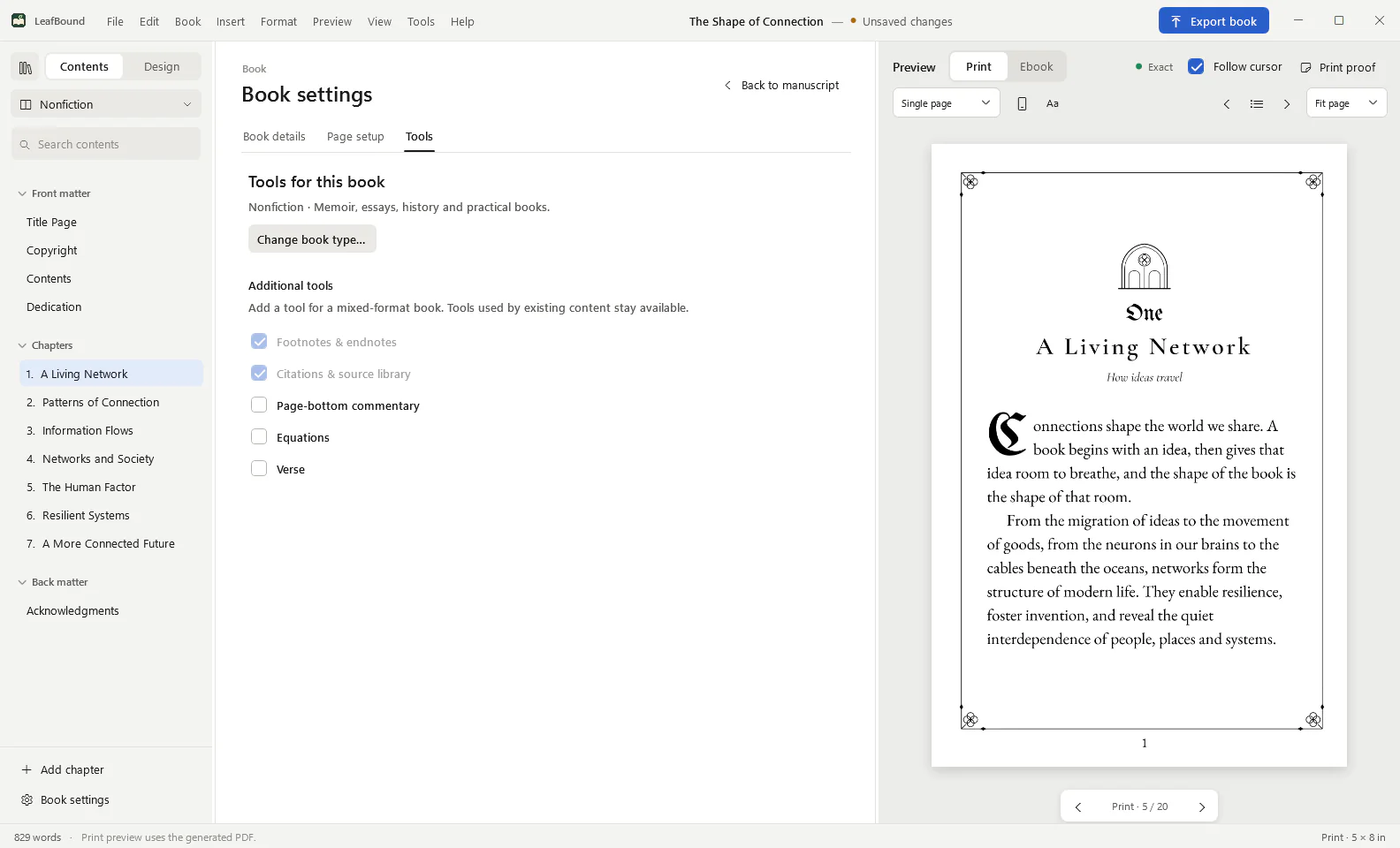
A thesis written in Word imports with its headings, footnotes and endnotes, images and equations. Choose a trade trim in place of the thesis page, pick a theme, and the print preview shows the real pages and the new page count. Then print preflight checks the file against KDP and IngramSpark rules.
A thesis written in LaTeX can come in whole. LaTeX import reads a .tex manuscript with its BibTeX file, included files, equations, figures, tables and cross-references, and shows a summary to review. It skips TikZ drawings, \includepdf and some packages, and a very large thesis takes a while to print. The LaTeX page and the LaTeX import guide describe the import, and the Academic page lists every tool.
Which tier
Academic, $99 once.
Academic adds citations and a bibliography, page-bottom commentary, LaTeX equations, and LaTeX (.tex) and BibTeX import to everything in Author. College and university students and teachers get 40% off after verifying a school email address. The free 4-day trial includes every Academic tool.
Questions
Can I typeset my own monograph instead of paying a typesetter?
Yes, if your press accepts author-supplied files. You import the manuscript, choose a theme and a trim, and LeafBound sets the pages, the notes and the bibliography. Print preflight then checks the finished PDF. Ask your press first which file format and trim it requires.
How do I turn a thesis into a book?
Import the Word file, change the book’s trim to a trade size, choose a theme such as Treatise and read the preview, which is the real print PDF. Footnotes, headings, images and equations come across. The Word import guide covers the preparation.
Does LeafBound import LaTeX?
Yes, in the Academic tier. It imports a whole .tex manuscript with BibTeX, figures, tables and cross-references, and equations can also be typed in LaTeX. TikZ drawings, \includepdf and some packages are skipped, and a very large thesis takes a while to print. See the LaTeX page.
Which citation styles are included?
Four: Chicago notes and bibliography, which is the default, and APA 7, IEEE and Vancouver.
Can it handle a textbook with numbered equations and figures?
Yes. Displayed equations are numbered, figures, tables and sections are numbered, and cross-references follow them. Equations are typeset as vector art in print and written as MathML in EPUB 3.
Is there an education discount?
Yes. College and university students and teachers get 40% off the Academic, Pro and Studio tiers after verifying a college or university email address. The pricing page has the details.
Does it run on a Mac?
No. LeafBound runs on Windows 10 and 11, 64-bit.
Keep reading
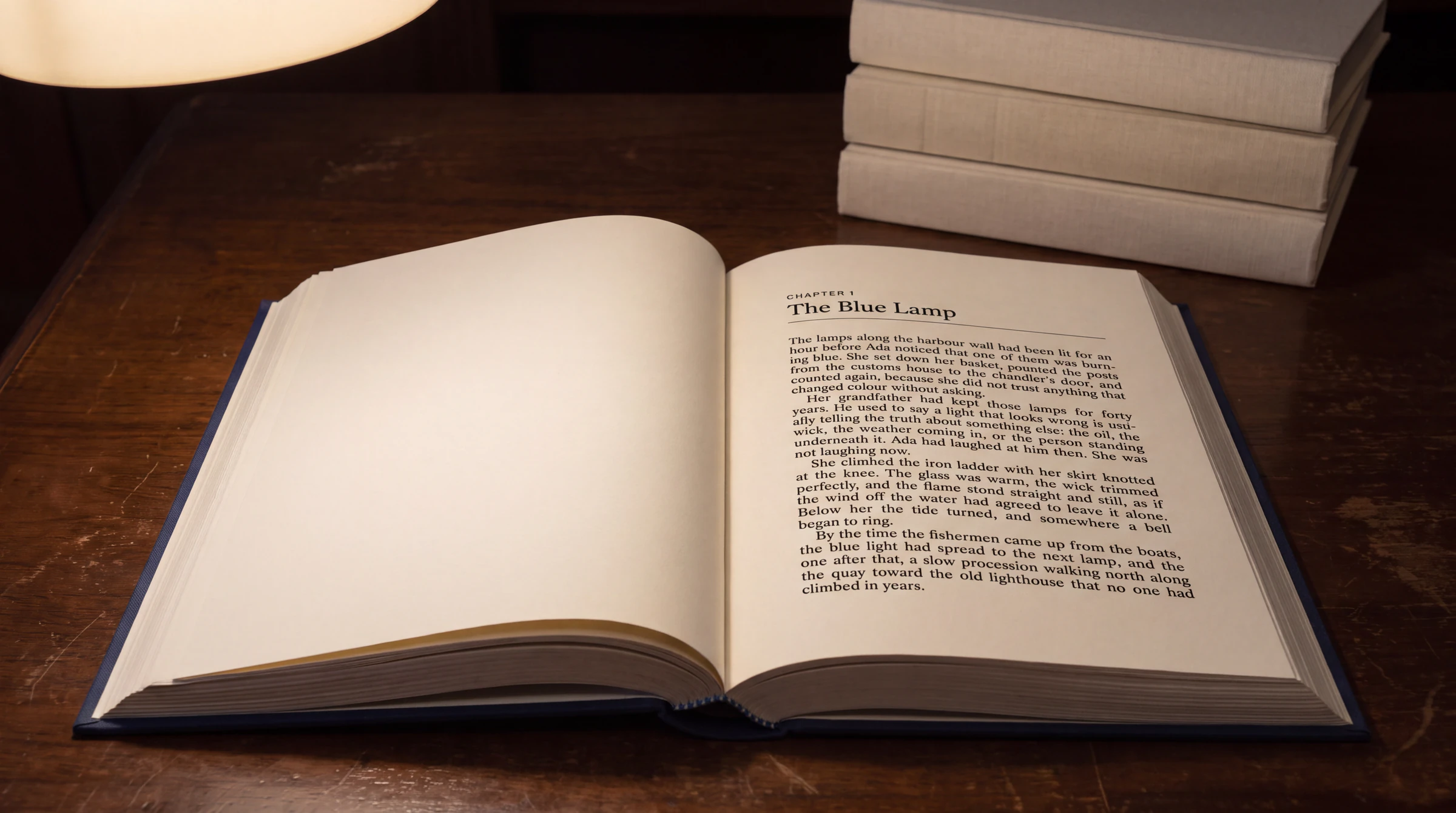
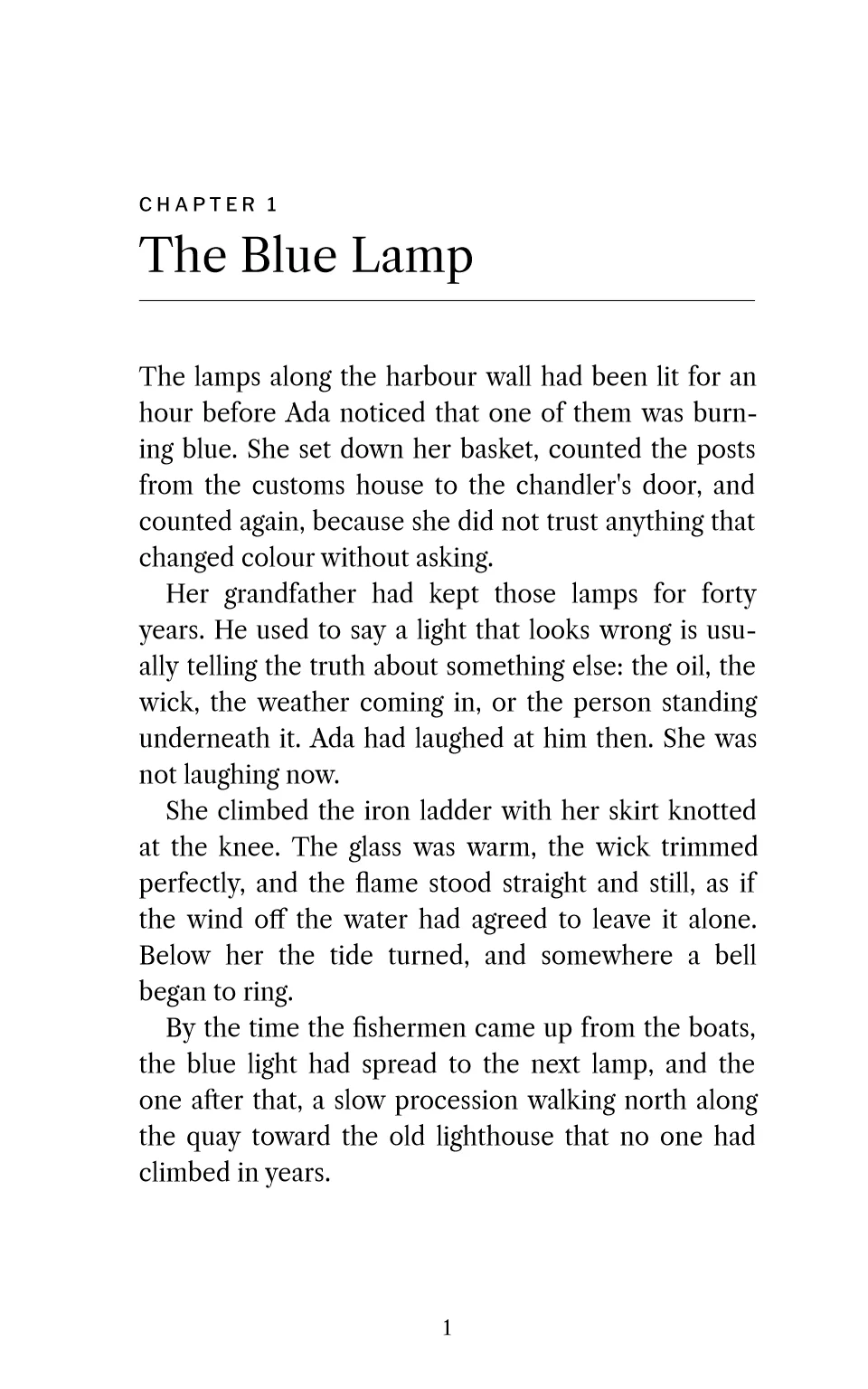
The book page in the photograph was typeset in LeafBound. The photograph is an illustration, and small text in it may differ from the exported page.
Try the Academic tools on a chapter of your own.
The free 4-day trial lets you import a chapter, add sources and citations, set an equation and see the pages before you pay.
Early access · Author from $79 once · free 4-day trial · Windows 10 and 11