 LeafBound
Citations and bibliography
Enter a source once. Cite it anywhere in the book.
LeafBound Academic keeps the book’s sources in one library and sets the citations and the bibliography from it, in Chicago notes and bibliography, APA 7, IEEE or Vancouver. The same sources feed the print PDF and every ebook edition.
- 4citation styles: Chicago, APA 7, IEEE and Vancouver
- 1source library for the whole book
- 14core themes in Academic, Treatise among them
- $99once, for the Academic tier
What the citation tools do
One source library
Each book has a library of its sources. Add a source once and cite it wherever the text needs it.
Four citation styles
Chicago notes and bibliography is the default. APA 7, IEEE and Vancouver can be chosen instead.
Notes and bibliography that agree
Citations and the bibliography are both set from the source library, in the style you chose.
The same in print and ebook
The same source library feeds the print PDF and the ebook editions.
Switched on per book
Citations are a tool you turn on for a book in Book settings.
No invented references
AI connections are optional and off by default. When you use them, the tools can work with your sources, and they do not invent references.
A source library that belongs to the book.
The library is where the book’s sources live. The text only points at them.
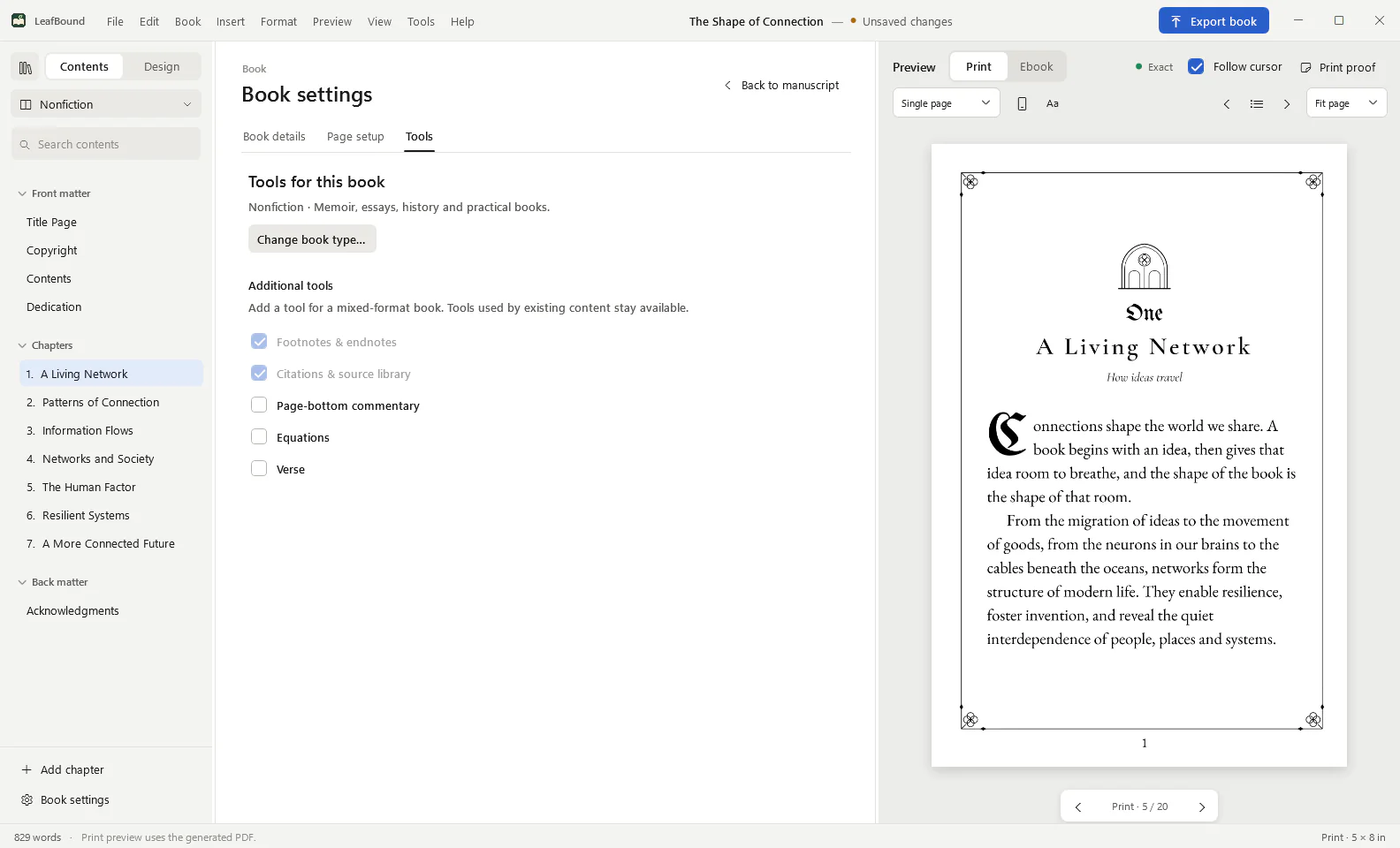
Sources and Cite sit in the editor toolbar, beside Footnote and Endnote. Add each source to the library once, then cite it at the point in the text where it belongs. Because every citation points at the library entry, a correction to an author’s name or a year is made in one place and reaches every citation of that source. Delete source removes one you no longer need, and refuses while a note or citation still uses it.
Citations are one of the tools a book can switch on in Book settings, alongside footnotes and endnotes, page-bottom commentary, equations and verse. Changing the book type later does not hide a tool your text already uses.
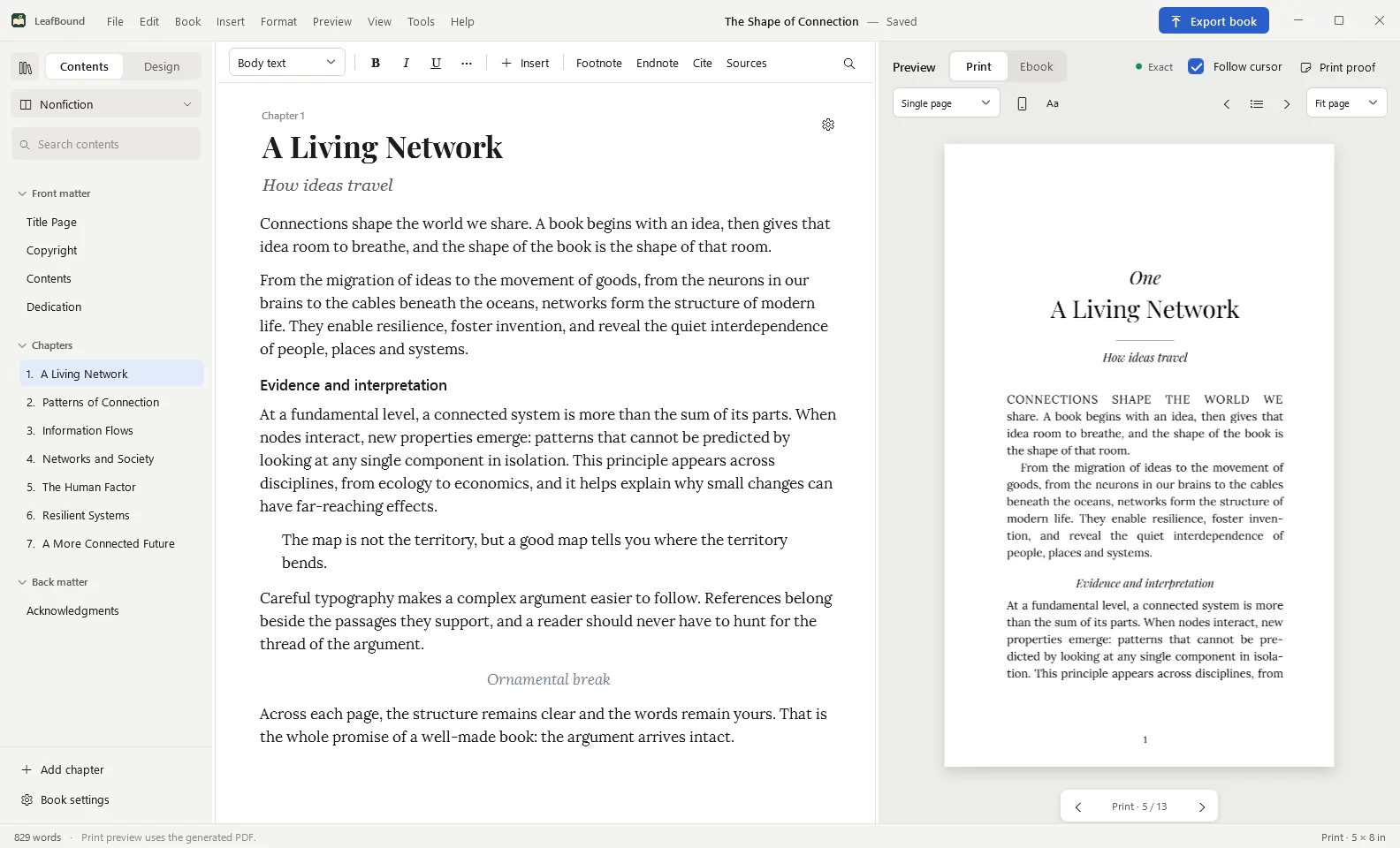
Chicago style by default, or APA 7, IEEE or Vancouver.
Four styles cover most books that cite their sources.
Chicago notes and bibliography is the usual choice for history, biography, the humanities and trade nonfiction: a superscript number in the text, a note for the citation and a bibliography at the back. LeafBound uses it unless you choose another style.
APA 7 is the author-date style common in the social sciences. IEEE and Vancouver are numbered styles, at home in engineering and in medicine and the life sciences. Choose the one your publisher, your series or your field expects.
A bibliography that keeps up with the text.
You do not type the bibliography. LeafBound builds it from the source library in the style you chose, and it changes with the book: when a source is corrected, the notes and the bibliography update together.
In the ebook editions the notes become linked notes with a link back to the reference. When the print edition is exported first, the ebook also carries a page list matched to it, so a reader of either edition can cite the same page. Footnotes and endnotes describes how notes are set in each edition.
The theme decides how the page looks. Treatise is the core theme for academic and reference books and comes with Academic, which has the same 14 core themes as Author. Pro adds the rest of the 128, including the other themes in the Academic category.
Bringing a referenced manuscript in.
A Word manuscript arrives with its footnotes and endnotes intact, so the notes you have already written are kept as notes. To have LeafBound format a citation and list it in the bibliography, add the source to the library and cite it from there.
LaTeX authors can bring in a .tex book with its BibTeX file, in the Academic tier, and the LaTeX page says what it reads. A .bib file on its own goes in through Import BibTeX… in the source library.
Citations sit alongside the other scholarly tools: equations, cross-references, figure and table numbering, a glossary and an index. See index and cross-references, the Academic overview and LeafBound for academics.
Which tier
Academic, $99 once.
Citations, the source library and the bibliography are part of Academic, along with equations and page-bottom commentary. Academic includes everything in Author. The free 4-day trial includes the Academic tools.
Questions
Which citation styles does LeafBound support?
Four: Chicago notes and bibliography, which is the default, and APA 7, IEEE and Vancouver.
Is the Chicago style notes and bibliography, or author-date?
Notes and bibliography: notes in the text and a bibliography at the back. If your book needs author-date citations, APA 7 is the author-date style LeafBound offers.
Is LeafBound a bibliography generator for a book manuscript?
For the book you are setting, yes. You enter each source in the source library, and LeafBound builds the bibliography in your chosen style and keeps it in step with the citations.
Do citations work in the ebook editions?
Yes. The same source library feeds the print PDF and every ebook edition, and notes in ebooks are linked both ways. The footnotes in ebooks guide shows what readers see in each reading app.
Can I import a BibTeX file?
Yes. In the source library, Import BibTeX… reads a .bib file on its own, and entries already in the library are left alone. BibTeX is also read as part of LaTeX (.tex) import. Both are in the Academic tier.
Which tier includes citations?
Academic, $99 once. Author includes footnotes and endnotes without the source library. Compare the tiers.
Can an AI assistant manage my references?
Only if you turn AI connections on. The tools can then work with the sources in your book, and every AI change can be undone. They do not draft prose or invent references.
Keep reading
Cite your own sources in your own manuscript.
The free 4-day trial includes the Academic tools. Import a chapter, add a few sources and see the notes and the bibliography set.
Early access · Author from $79 once · free 4-day trial · Windows 10 and 11