 LeafBound
 for anthology editors
Every contributor named, everywhere a name belongs.
LeafBound reads each piece’s author from your manuscript, sets the book up as an anthology, and carries the names into the contents, the running head and the ebook. Editor and translator credits go on the title page. On Windows, from $79 once.
- 5credit lines: Edited by, Translated by, Illustrated by, Foreword by and Introduction by
- 3outputs that carry them: print, EPUB and Word
- 1file for the print PDF and every ebook edition
- $79once. No subscription
What an anthology editor gets
Authors found on import
A “by” line or an italic name under a title is read as that chapter’s author, so you do not key in a list of contributors by hand.
Anthology setup on its own
When most chapters have their own author, LeafBound sets the book up as an anthology without being told.
Names in the contents
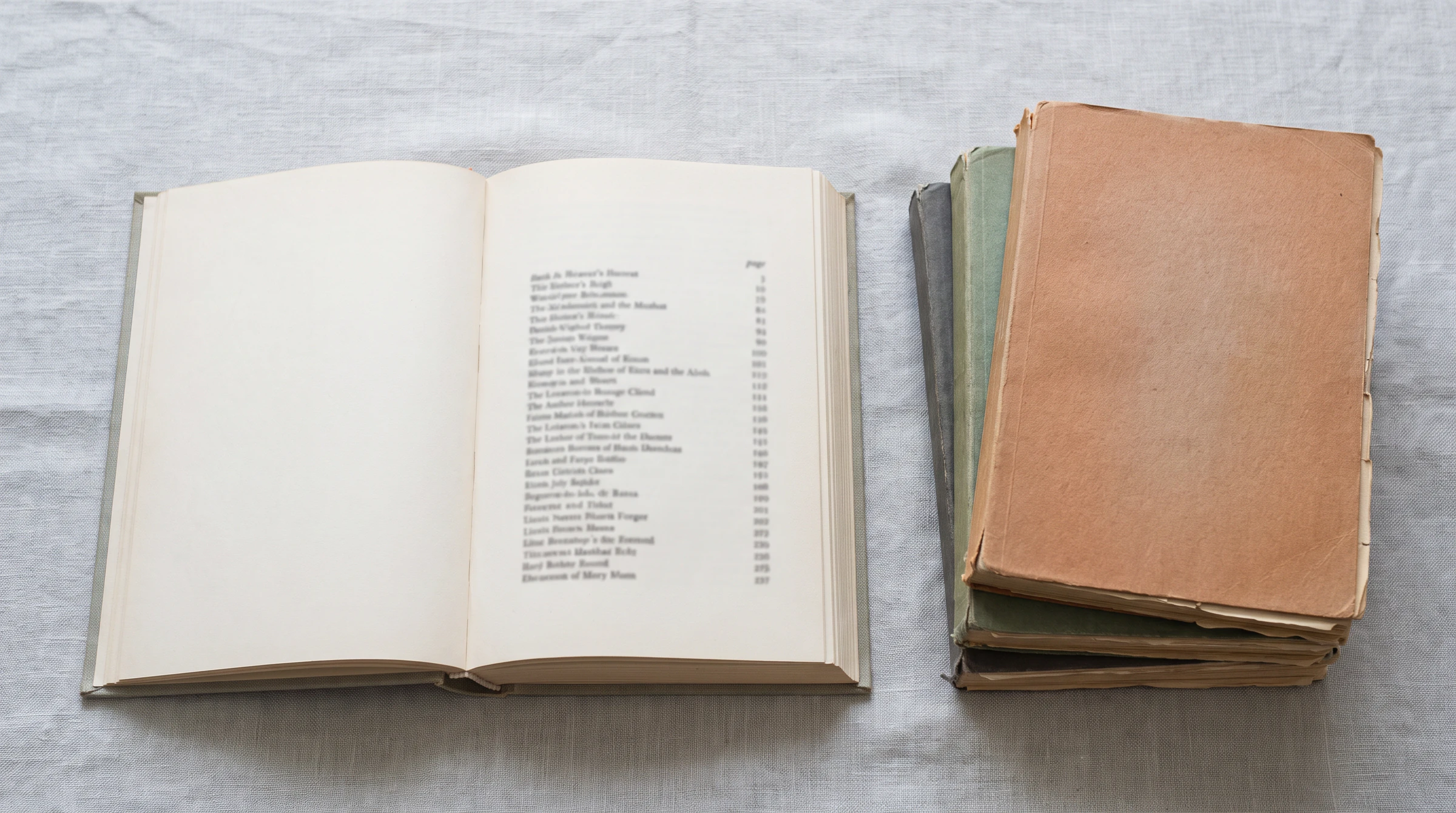
The contents page lists each piece with its author, in the printed book and in the EPUB.
Names in the running head
In print, the running head carries the author of the chapter you are reading, so a browsing reader always knows whose story this is.
Credits on the title page
Two authors are joined as “A and B”, three as “A, B and C”, and the Edited by and Translated by lines follow beneath.
Roles in the ebook
The EPUB records each contributor with a role, such as editor, translator or illustrator, in its metadata.
Put the pieces in one file. LeafBound works out who wrote what.
An anthology manuscript is usually a stack of submissions pasted into one Word document.
Give each piece a title and a line such as “by Ada Morrow” beneath it, as submissions often have already. On import, LeafBound takes that line, or a name set in italics, as the chapter’s author. If most chapters have one, it treats the book as an anthology.
The Set up your book step then shows the title, the authors and the language it found, with a line that counts the chapters and parts, and it lists anything it moved. LeafBound reads Word (.docx), Markdown, plain text and EPUB files. The Word import guide covers how to prepare the file, and the smart import page shows what is detected.
Edited by, Translated by, and the other credits.
An anthology has more names than a novel, and each one has a place.
If the opening lines of the manuscript say “Edited by” or “Translated by”, LeafBound reads them into the title page along with the title and subtitle. There are five credit lines in all: Edited by, Translated by, Illustrated by, Foreword by and Introduction by. They appear in the printed book, in the EPUB and in Word export.
For a translated book, the translator’s line sits on the title page and the translator is recorded as a contributor in the ebook, with the book’s language set in the book details. To change the title, the authors or the language later, select the title page in the outline and the book details open, with one author per line. The ebooks page lists the store editions that carry this metadata.
A single-author collection works the same way.
Short stories, essays and novellas by one writer need the contents page, not the bylines.
For a collection by one author, each story is a chapter with its title in the contents. Set the chapter number style to none if the stories should open with their titles alone, and keep scene breaks inside each story. Pages for the author’s other books and about the author go in the back matter. The page for novelists covers the fiction themes.
If the collection is several complete books, a box set builds one book from them as linked volumes.
Working with contributors.
How the text moves between you and the people who wrote it.
LeafBound is a desktop app for one person at a time. Contributors send Word files, and tracked changes in a Word file are accepted when you import it.
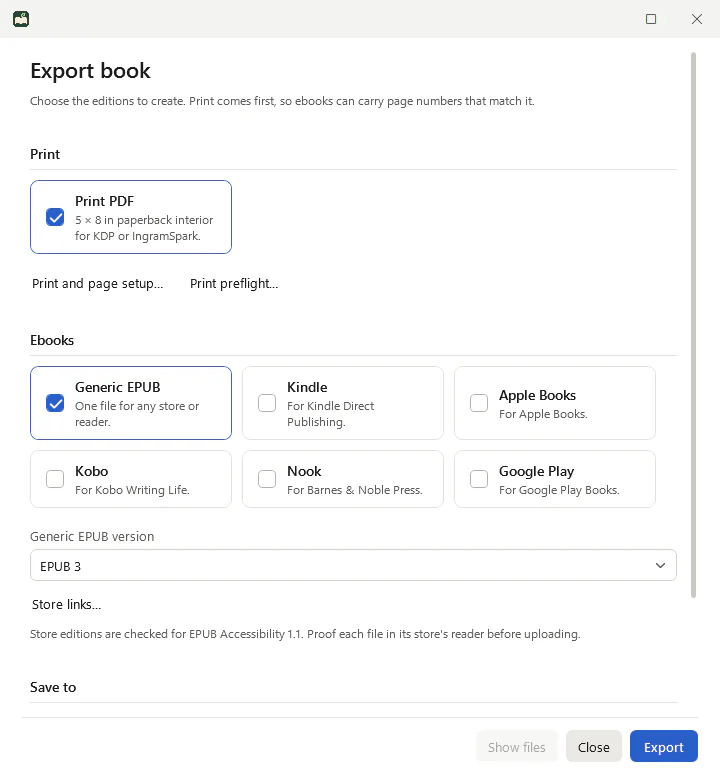
Proofs can go back the same way. Word export writes an editable .docx of the whole book at any time, and you can send the print PDF for a final read. When the text is settled, print preflight checks the finished PDF against KDP and IngramSpark rules.
- Contributors write and revise in Word
- You assemble, design and export in LeafBound
- Word export and the print PDF go back out for proofing
Which tier
Author, $79 once.
Author covers anthologies and collections in print and as ebooks, with per-chapter authors, credit lines, 14 core themes and print preflight for KDP and IngramSpark. The free 4-day trial includes every tool in the personal tiers.
Questions
How do I format an anthology with a different author for each story?
Put a “by” line under each story’s title in the manuscript and import it. LeafBound reads each line as that chapter’s author and sets the book up as an anthology when most chapters have one. The names then appear in the contents and the running head.
Where do the contributors’ names appear?
In the contents page of the printed book and the EPUB, and in the running head of the printed pages. Names on the title page are joined as “A and B” or “A, B and C”.
Can I credit an editor, a translator or the writer of the foreword?
Yes. LeafBound has Edited by, Translated by, Illustrated by, Foreword by and Introduction by lines. They appear in print, in the EPUB and in Word export.
Do the credits reach the ebook stores?
The EPUB’s metadata records contributors with their roles, such as editor, translator and illustrator. Each store decides how much of that it shows on its own pages.
Can contributors edit the book with me?
LeafBound is a single-user app, so contributors work in Word. You can export the book to Word for them at any time, and tracked changes in the Word file they send back are accepted on import.
Can I format a short story collection by one author?
Yes. Each story is a chapter, the contents page lists the titles, and the book exports to print and to every ebook edition like any other fiction book.
Is it a subscription?
No. Author costs $79 once for the major version, with free updates inside that version. A license is for one person on one computer, so contributors do not need one.
Keep reading
The photograph is an illustration, not a book made in LeafBound.
Import your anthology and check the contents page.
The free 4-day trial lets you import the manuscript, see which authors were found and read the contents page and running heads in the print preview.
Early access · Author from $79 once · free 4-day trial · Windows 10 and 11