 LeafBound
Guide · Vellum
Move your book from Vellum to LeafBound: export to Word first.
Vellum (the Mac book formatter at vellum.pub) exports your whole book as a Word (.docx) file from its File menu, and since April 2026 that file keeps footnotes, endnotes and lists. That makes this the cleanest move of any formatter: export, tidy, import, choose a theme, run preflight. This guide gives the seven steps, what transfers, what to do if Vellum will not open after a macOS update, and when to stay.
Seven steps from Vellum to a finished book
Steps 1 and 2 happen on the Mac. Everything after that happens on your Windows PC.
Update Vellum and open the book
Vellum’s Word export improved in 4.1.2 (lists, footnotes and endnotes) and 4.1.4 (indentation), so update to the current release, 4.1.7 as of 15 October 2026, before exporting; updates are free. Open the .vellum file. If you cannot find it, Vellum’s FAQ “Where is my file?” explains where it was saved.
Export: File, Export Content As, Word File
From the main File menu choose Export Content As, then Word File, and save the .docx with a date in the name. Vellum says the file keeps all content including front and back matter. From here on it is your master copy, independent of any Mac.
Open the .docx in Word and check what came through
Read the chapter list in Word’s navigation pane. Each chapter title should carry Heading 1 and each subhead Heading 2 or lower; if not, apply Heading 1 to the chapter titles, because that is the surest way for LeafBound to find chapters. Check that footnotes are real Word footnotes, lists are lists, and images are present and inline. Vellum does not state how text conversations, written notes or store links are exported, so look at those pages.
Tidy the file
Delete any contents page, running heads or page numbers that came across as text; LeafBound generates those. Make scene breaks one consistent mark, such as a centered line of three asterisks, which LeafBound’s import turns into scene breaks. Put body paragraphs in Normal. Most Vellum exports need two or three of the Word import guide’s ten steps.
Import into LeafBound and choose a theme
Create a book, choose its type and import the .docx. Chapters, headings, footnotes, images and emphasis come across, and smart import lists anything it moved. Vellum’s style does not, so pick one of the 128 themes, each in Standard, Large print and Accessible versions, and use Compare themes to see three side by side with page counts. Set trim, margins and bleed in Print and page setup.
Check notes and images in the preview
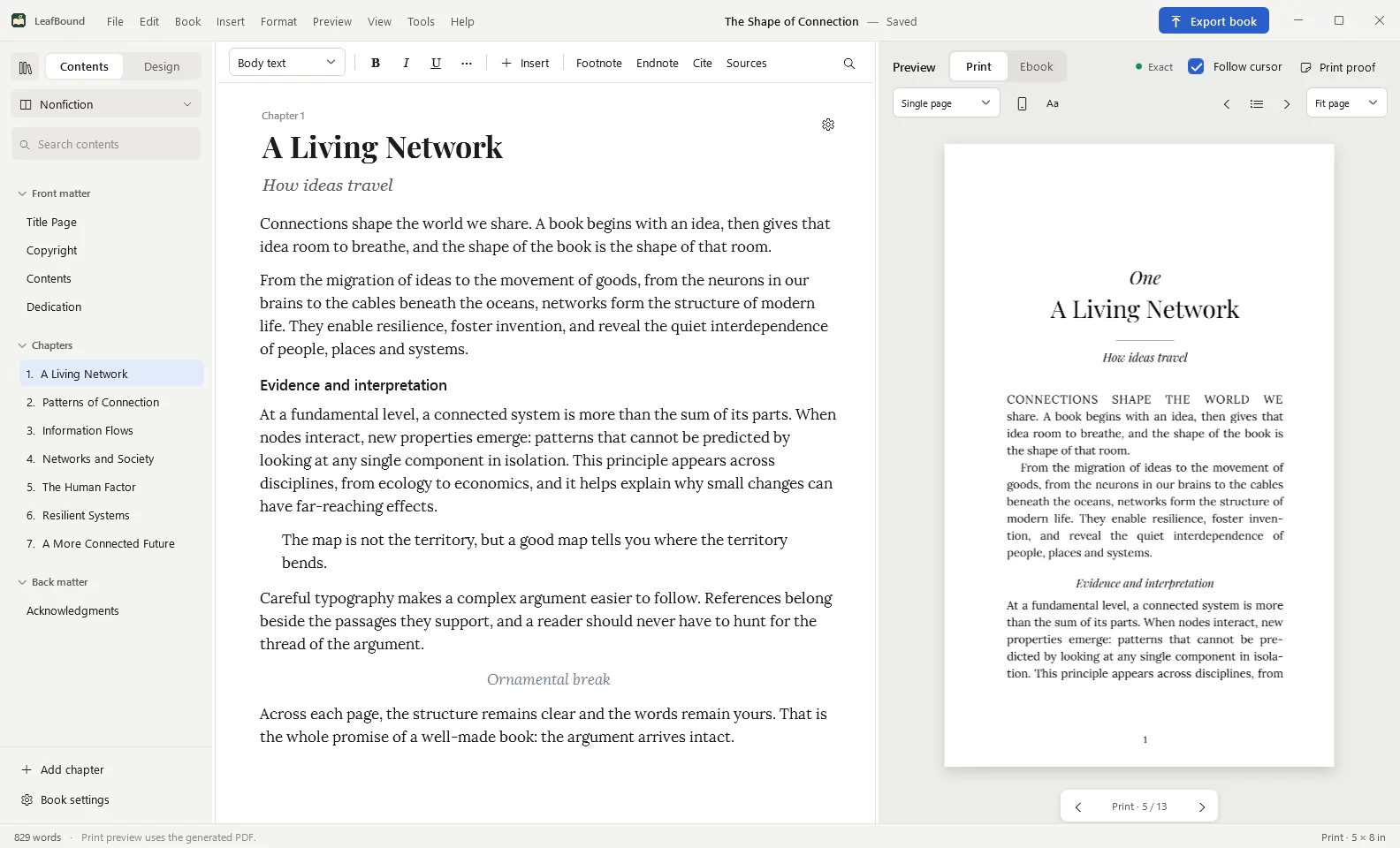
The preview is composed from the generated print PDF. Footnotes should sit on the page with their reference; endnotes collect in a Notes section. Every image that matters needs a description: LeafBound asks for any missing ones before an ebook export. A stray scene break or a subhead that should be a chapter shows up here too.
Run print preflight and export
Choose the KDP or IngramSpark profile for your binding, run preflight, apply the one-click fixes for margins, bleed, small text and thin lines, and let it recheck. Export the PDF/X-1a:2001 or PDF/X-3:2002 interior and the ebook editions. Order a printed proof; the printer makes the final decision.
What you need
One file: a Word (.docx) export of the book. LeafBound can also open the .vellum project itself, but the Word export is the file you can check and edit before import, and Vellum provides it. Its FAQ says to go to the main File menu and select Export Content As, then Word File, and that the file is not intended for publishing but keeps all content, front and back matter included, so it can be re-imported. The export arrived in Vellum 3.4 (November 2022); 4.1.2 (23 April 2026) added lists, footnotes and endnotes, and 4.1.4 (15 July 2026) restored indentation. Those two releases are why the first step is to update.
The manuscript you imported into Vellum is a second route, and a cleaner one if you did little editing inside Vellum. With neither the .vellum file nor the manuscript, LeafBound imports the EPUB Vellum generated, or Calibre turns it into a .docx with losses, covered in the questions below. Atticus’s help says Atticus cannot import Vellum’s own files and points to the same Word export.
What transfers and what does not
| Element | Transfers? | What to do |
|---|---|---|
| Chapter text and order | Yes | Read the chapter list after import; apply Heading 1 to any title the import missed. |
| Chapter titles and subheads | Yes, as Word headings | Confirm Heading 1 on chapter titles and Heading 2 to 4 on subheads before importing. |
| Italics and bold | Yes | Nothing to do. |
| Footnotes and endnotes | Yes, since Vellum 4.1.2 | Check they are real Word footnotes; print puts them on the page, ebooks make linked notes with backlinks. |
| Lists | Yes, since Vellum 4.1.2 | Nothing to do. |
| Front and back matter | Yes, as text | LeafBound builds its own title and copyright pages; keep the text you want and delete duplicates. |
| Images | Not stated by Vellum | Check each image is present and inline; add descriptions in LeafBound. |
| Text conversations, written notes, web links | Not stated by Vellum | Expect plain text; style the passage and re-enter links after import. |
| Scene breaks and ornamental breaks | As a mark or a blank line | Standardize to a line of * * * before importing; the import makes it a scene break and the theme supplies the ornament. |
| Vellum style, chapter opening, running heads | No | Choose a LeafBound theme; there is no mapping. |
| Trim, margins, bleed | No | Set in Print and page setup; preflight checks them. |
| Printed backgrounds and borders | No | LeafBound’s artwork includes chapter-opening frames and backgrounds; Design > Page border (every paid tier) adds a border to body pages, chapter openings or every page, and Studio adds art frames. |
| Box sets | No | Export and import each volume as its own book, then build a LeafBound box set from them as linked volumes. |
Fixing the usual import issues
Headings. LeafBound reads chapters from Heading 1 and subheadings from Heading 2 and below. Vellum’s export is built to re-import, so the styles are usually right; confirm in Word’s navigation pane. After import, read LeafBound’s chapter list and the list of anything smart import moved; if a chapter is missing, apply Heading 1 to its title in Word and import again. The Word import guide has the ten-step cleanup.
Footnotes. Real Word footnotes import as LeafBound footnotes: on the page in print, linked notes with backlinks in ebooks. Vellum’s ebook footnotes are pop-ups, which its help says are not available on Nook and some Kobo devices; linked notes work everywhere. See footnotes in ebooks.
Images and scene breaks. Vellum does not state how its images are written to Word; check that each is present, inline and at full resolution, and LeafBound asks for any missing description before an ebook export. Scene breaks become a mark or a gap; make each one a line of * * *, which LeafBound’s import turns into a scene break, and the theme supplies the ornament.
Run preflight before you upload
Vellum applies its own layout rules and gives you no report. LeafBound’s print preflight reads the finished PDF and runs more than 25 checks with KDP paperback, KDP hardcover, IngramSpark paperback and IngramSpark hardcover profiles, from trim and inside margin against the final page count to 7 pt minimum text and embedded fonts, with one-click fixes and a recheck. The output is PDF/X-1a:2001 for black-and-white interiors or PDF/X-3:2002 for color, every font embedded; the ebook side exports a generic EPUB 3 or EPUB 2 and five store editions with EPUB Accessibility 1.1 metadata. The printer makes the final decision; order a printed proof.
If Vellum will not open after a macOS update
This is the search that brings many authors here. Vellum’s makers post about each macOS release; their macOS 27 note of 15 September 2026 says the beta issues were fixed in 4.1.5 and that there is always some risk in adopting a major macOS update right away, and 4.1.6 (7 October 2026) is a stability release for macOS 27. Vellum requires macOS 14 or later; older Macs can run the legacy builds on Vellum’s help site.
If Vellum does not open, your book is not lost: the .vellum file is a single file wherever you saved it, and it opens in any Vellum that runs. Update Vellum first, since each macOS fix arrives as a free update; if that fails, open the file on another Mac or on the legacy build for your macOS, export the Word file, and carry on in LeafBound on a PC. With no Mac available, LeafBound can open the .vellum project itself (the format Vellum 4.1.5 saves), or import the EPUB Vellum generated.
When to stay with Vellum
If you own a Mac running macOS 14 or later and Vellum works for you, stay. It has printed page backgrounds and borders, store-specific ebooks assessed with Ace and a free-until-you-generate model. Move when you are leaving the Mac, when you want the book as a file on a Windows PC, when you need a KDP and IngramSpark preflight, your own fonts, PDF/X-3 color output, citations or equations, or when a macOS update has left Vellum unusable. LeafBound vs Vellum lists both directions; Vellum pricing covers the cost of a Mac from a Windows PC.
Questions
Can Vellum export to Word?
Yes. Vellum’s FAQ, checked 4 November 2026, says to open the File menu and choose Export Content As, then Word File. The export arrived in Vellum 3.4 (November 2022); 4.1.2 (April 2026) added lists, footnotes and endnotes, and 4.1.4 (July 2026) restored indentation. Vellum says the file is not intended for publishing; it is intended for import.
What does the Vellum Word export contain?
Per Vellum, all of the content including front and back matter, so the file can be re-imported, plus lists, footnotes and endnotes since 4.1.2. Vellum’s pages do not state how images, text conversations, written notes or store links are written, so check those in Word before importing.
Can I export a Word file from the free version of Vellum?
One review from May 2026 says the free build will save a Word file for an editor. Vellum’s own pages say only that generating publishing files is locked until purchase. Try it; if the menu item is disabled, the manuscript you imported into Vellum is the other route.
Can LeafBound open a .vellum file?
Yes. LeafBound opens Vellum projects (it reads the format Vellum 4.1.5 saves), on Windows, without a Mac. Atticus’s help says Atticus cannot. The Word export is still worth making: it is the route if a project does not open, and the one to use when you want to edit the text in Word first.
What if I no longer have the .vellum file or a Mac?
If you have the EPUB Vellum generated, LeafBound imports it directly, with the same smart import as a Word file; check the footnotes afterward. Calibre (free) can also convert it to .docx if you want to edit in Word, with documented losses: paragraph spacing by default, fonts, margins, and footnotes as plain links rather than Word footnotes. The Word import guide covers the cleanup. The manuscript you imported into Vellum, if you have it, is cleaner than any round trip.
Should I move from Vellum at all?
If you own a Mac that runs Vellum and like the output, probably not. Move when you are leaving the Mac, when you need a KDP and IngramSpark preflight, your own fonts, citations or equations, or when a macOS update has left Vellum unusable. LeafBound vs Vellum lists what Vellum does that LeafBound does not.
Is LeafBound affiliated with Vellum?
No. LeafBound is independent of Vellum and its maker. Vellum here means the Mac book formatter at vellum.pub, not Vellum AI.
More guides
Import the Word file Vellum gave you.
The free 4-day trial includes every feature. Import your Vellum export, pick a theme and run preflight before you pay.
Early access · Author from $79 once · free 4-day trial · Windows 10 and 11