 LeafBound
Compare
Reedsy Studio alternatives: offline, local files, no credit line.
Reedsy Studio is a free browser formatter. Authors look for an alternative when they hit its limits: three templates, four trim sizes, fixed image sizes, no offline use, no download, and a Reedsy acknowledgement on every copyright page. This page lists those limits with their sources, what to look for instead, and nine options, free and paid, with the honest answer to “Reedsy vs Atticus”.
Why authors look for a Reedsy Studio alternative
The complaints are consistent, and most are things Reedsy states itself on its own pages, checked 4 November 2026: three export templates that cannot be customized; four trim sizes; images all sized the same way; no font or size customization; a copyright-page acknowledgement that cannot be disabled; no downloadable app; and no offline access, which is planned as a paid feature.
Reviewers say the same from the outside. The Write Practice, around May 2026, writes that three templates and four trim sizes do not leave much room. Built&Written, in a test published 8 October 2026, found margins, fonts, heading styles and image sizes fixed by the template, a table lost on import, subheadings promoted to chapter headings, and a stray untitled chapter in the contents. publishing.co.uk, updated 28 October 2026, notes a US-centric design that overlooks other markets’ conventions. On Product Hunt the review summary carries a “data loss issues” tag from three reviews. We found no dated outage or export-failure thread; Reedsy’s Trustpilot page covers the marketplace and does not mention Studio.
Those limits are a clear ceiling, and the search for an alternative usually starts the day a book hits it.
What to look for
The complaints imply the checklist. Ask each candidate:
- Where does the book live? On your disk, in an account, or on a server you cannot reach offline.
- How many designs, and can you change them? Trims beyond four, margins and bleed you can set, fonts you can choose or import.
- What does the print file claim? PDF/X-1a:2001 or PDF/X-3:2002 with embedded fonts, and whether anything checks it against KDP’s and IngramSpark’s rules.
- What comes out for ebooks? One EPUB or store editions, accessibility metadata, footnotes that work.
- What does it add to your book? A credit line, a watermark, or nothing.
- Can you get the manuscript back out? An editable Word (.docx) export, so no tool is a one-way door.
The options
Nine tools, in the order they answer the checklist for a Windows author who wants local files and a clean copyright page. LeafBound is first because that is the fit it was built for, and it is made by the people who wrote this page. Prices in US dollars, checked 4 November 2026.
LeafBound
$79 Author, $99 Academic, one-time per major version. Native app for Windows 10 and 11. 4-day trial of every feature.
What you gain: the book as a file on your PC, offline after one activation with a check-in at least every 10 days; 128 themes, each in Standard, Large print and Accessible versions (Author includes 14 core themes, Pro all 128); the KDP trim catalogue plus custom sizes, with margins and bleed you set; 63 bundled font families and your own fonts; tables in four styles; print preflight with more than 25 checks and KDP and IngramSpark profiles; PDF/X-1a:2001 and PDF/X-3:2002; five store editions with EPUB Accessibility 1.1 metadata; an editable .docx export at any time; no credit line; and, in Academic, citations and equations.
What you give up: Reedsy Studio’s price (free), its collaboration tools and its writing timeline, and any computer other than a Windows 10 or 11 PC.
Atticus
$147 one-time. Web app (PWA) with desktop wrappers for Windows, Mac, Linux and Chromebook. No trial; 30-day money-back.
What you gain: 17 templates and a theme builder; footnotes, callouts and simple tables; writing goals and sprints; co-writer, editor and beta-reader roles; an app that installs and can write offline after you log in; no credit line.
What you give up: local files without an account (the book saves to the cloud with a local JSON backup); a connection for import and export; a PDF/X claim (its help says its PDFs are “not classified as PDF X-1a”); font upload; a preflight. Collaborators each need a paid account. See LeafBound vs Atticus.
Vellum (the Mac book formatter at vellum.pub)
$199.99 Ebooks, $249.99 Press, one-time. macOS 14 or later only. Free to use until you generate files.
What you gain: dozens of styles, printed backgrounds and borders, box sets, store-specific ebooks assessed with Ace, and a PDF/X-1a print file.
What you give up: Windows: its makers say no Windows version is planned, so a Mac comes first. No custom fonts, no tables, no preflight. See Vellum alternatives for Windows.
Lacuna
$149 one-time. Desktop app for Windows, Mac and Linux, offline. Free to use, pay to export.
What you gain: a native app on three platforms with local files; PDF/X-1a; EPUB 3, EPUB 2 and Kobo; footnotes, tables and call-outs.
What you give up: a preflight report; a stated theme count; a strong Word (.docx) export, which reviews describe as weak.
Cambric
$199 one-time. Native app for Windows and Mac. Trial not stated.
What you gain: a native app on both platforms; 20 or more genre styles (vendor claim); custom fonts; checks for margins, gutter, embedded fonts and chapter navigation.
What you give up: a stated PDF/X standard; independent reviews, of which we found none; and some money, since it costs more than Lacuna and LeafBound.
Kindle Create
Free. Windows and Mac. Output is KPF, for Amazon only.
What you gain: a free desktop tool from Amazon with the project file on your PC, and print from the same project.
What you give up: every store but Amazon; margin control; tables, lists, footnotes and inline images, which cannot be edited; about four locked themes. See LeafBound vs Kindle Create.
Draft2Digital formatter
Free; fees apply if you publish through Draft2Digital. Browser.
What you gain: a free EPUB and print PDF from a Word manuscript, with more templates than Reedsy Studio.
What you give up: template control, which is slight; local files; a stated print standard. It is a distributor’s tool first.
Affinity
Free since October 2025 with a Canva account. Windows and Mac.
What you gain: a designer-grade layout program with PDF/X, CMYK, full control of every page and reflowable EPUB in version 3.x.
What you give up: the author workflow: no themes, no chapter model, no KDP or IngramSpark preflight, and a learning curve measured in weeks.
Scrivener 3
$59.99 per platform. Windows and Mac. 30 days of use as a trial.
What you gain: the writing tool many authors already own; compile produces EPUB 3 and, on the Mac, a PDF/X-1a paperback.
What you give up: ease: compile is hard to learn, its own staff call the Windows PDF more a proofing tool, and it is a writing tool first. The usual route is to compile a .docx and format elsewhere; see moving from Scrivener.
Reedsy vs Atticus, answered
This is the pair most Reedsy Studio users weigh, and Reedsy’s own three-way comparison (9 September 2025) ranks first for it, so here is the short version from outside both companies. Both are browser tools. Reedsy Studio is free, has three templates and four trim sizes, writes PDF/X-1a:2001, collaborates in real time, and adds a credit line. Atticus is $147 with no free trial and a 30-day refund, has 17 templates and a theme builder, installs as a web app that can write offline once you have logged in (import and export need a connection, per its help), and its maker says its PDFs are not classified as PDF/X-1a. Neither has a KDP or IngramSpark preflight, accepts your own fonts, or keeps the book as a plain file on your disk. On Trustpilot, checked 4 November 2026, critical Atticus reviews from August and September 2026 describe lost chapters, failed saves and PDFs without copyable text.
LeafBound answers all three gaps: a native Windows app with the book as a file on your PC, your own fonts, and a preflight report against KDP and IngramSpark rules, with store editions and no credit line. Reedsy’s comparison is written by Reedsy, Kindlepreneur’s Atticus pages by Atticus’s co-founder, and this page by LeafBound’s maker; read all three with that in mind.
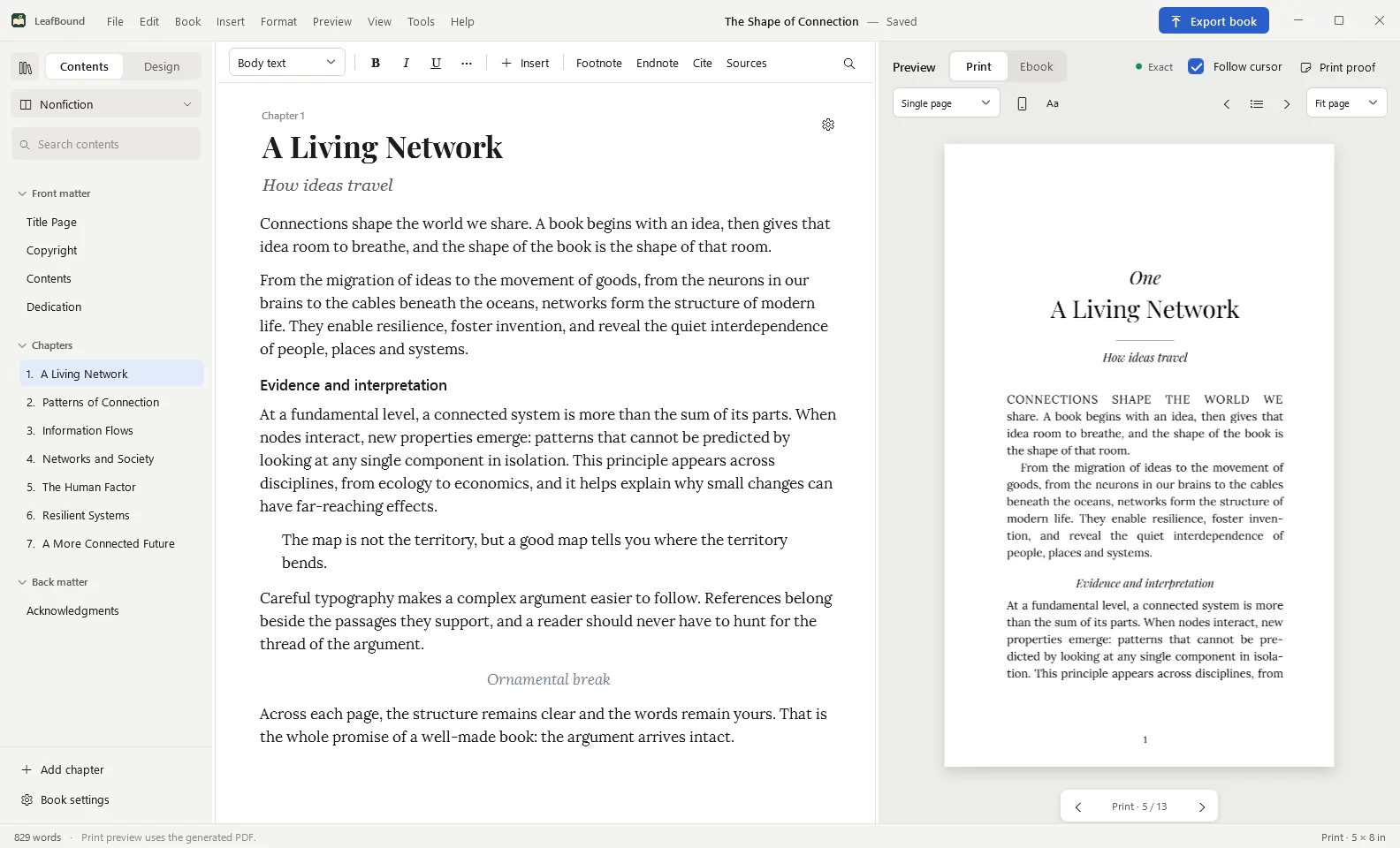
Why LeafBound
What a Reedsy Studio author gets by moving the book to LeafBound.
- Your book, on your PC. A native Windows app that works offline after one activation, with the book as a file you can back up.
- A copyright page that is yours. No credit line on a licensed copy.
- Far more design choice. 128 themes in Standard, Large print and Accessible versions, the KDP trim catalogue plus custom sizes, margins and bleed you set, and your own fonts.
- A check before upload. Print preflight with more than 25 checks and KDP and IngramSpark profiles; PDF/X-1a:2001 and PDF/X-3:2002.
- Every store. Five store editions with EPUB Accessibility 1.1 metadata, plus an editable .docx export at any time.
- Try it first. $79 once; the 4-day trial includes every tool.
All ten in one table, Reedsy Studio included
Scroll sideways on a phone. “Not stated” means the vendor publishes no claim, not that the feature is missing.
| Tool | Price | Runs on | Local files and offline | Print standard | KDP and IngramSpark preflight | Themes | Credit line on your book |
|---|---|---|---|---|---|---|---|
| LeafBound | $79 Author, $99 Academic, one-time | Windows 10 and 11, native | Yes, after one activation; checks in at least every 10 days | PDF/X-1a:2001 and PDF/X-3:2002; CMYK in Pro | More than 25 checks, KDP and IngramSpark | 128 (14 in Author), each in three versions | No |
| Reedsy Studio | Free; add-ons $4.99 and $7.99 a month | Browser only | No, no offline | PDF/X-1a:2001 | No (image warning only) | 3, not customizable | Yes, cannot be disabled |
| Atticus | $147 one-time; no trial, 30-day refund | Browser (PWA), installs on Windows, Mac, Linux, Chromebook | Account-based; writes offline after login, import and export need a connection | PDF “not classified as PDF X-1a” | No | 17 plus a theme builder | No |
| Vellum (vellum.pub) | $199.99 Ebooks, $249.99 Press, one-time | macOS 14 or later only | Yes | “Professional-Grade PDF/X-1a” | No | Dozens (26 per independent counts) | No |
| Lacuna | $149 one-time; pay to export | Windows, Mac and Linux, native | Yes | PDF/X-1a | No | Not stated | No |
| Cambric | $199 one-time | Windows and Mac, native | Yes | PDF/X not mentioned | Margins, gutter, fonts, navigation (vendor claim) | 20+ (vendor claim) | No |
| Kindle Create | Free | Windows and Mac | Yes, project file on your PC | Print PDF, fixed margins; KPF for Kindle only | KDP only, by design | About 4, locked | No |
| Draft2Digital formatter | Free; fees if you publish through D2D | Browser | No | Print PDF; standard not stated | No | Fixed templates | Not stated |
| Affinity | Free with a Canva account (since Oct 2025) | Windows and Mac | Yes | PDF/X, CMYK | No | Design it yourself | No |
| Scrivener 3 | $59.99 per platform | Windows and Mac | Yes | PDF/X-1a on Mac only | No | Compile formats | No |
Questions
What is the best Reedsy Studio alternative?
LeafBound, on Windows. It keeps the book as a file on your PC and works offline, offers 128 themes in place of three templates, the KDP trim catalogue plus custom sizes, your own fonts, a KDP and IngramSpark preflight of more than 25 checks, PDF/X-1a:2001 and PDF/X-3:2002, and five store editions, with no credit line on your copyright page. It costs $79 once. The 4-day trial includes every tool; exporting needs a license. The other free tools trade one limit for another: Kindle Create writes Amazon-only files with locked themes, and the Draft2Digital formatter has fixed templates and little print control.
Reedsy Studio vs Atticus: which is better?
Both run in a browser. Reedsy Studio is free, has three templates and four trim sizes, writes PDF/X-1a:2001, and adds a credit line. Atticus is $147 with no trial, has 17 templates and a theme builder, and its maker says its PDFs are “not classified as PDF X-1a”. Neither has a KDP or IngramSpark preflight, font upload, or a book kept as a file on your disk without an account. LeafBound has all three, on Windows. Facts checked 4 November 2026.
Is Reedsy Studio a downloadable app?
No. Reedsy’s help says Studio is not a downloadable app, there is no mobile app, and offline access is planned as a paid feature, checked 4 November 2026. It runs in a browser on any system, which is also why it is not a “Windows app”.
Can I use Reedsy Studio offline?
No, as of 4 November 2026: Reedsy’s FAQ answers “Currently, no”. LeafBound works offline after one activation, checking in at least every 10 days; Atticus can write offline after you log in but needs a connection to import and export.
What does Reedsy Studio add to my book?
A Reedsy Studio acknowledgement on the copyright page of every exported book, which Reedsy says cannot be disabled, with no paid removal. That is the usual reason authors with a client book, a press imprint or a fixed copyright page look for an alternative.
Which alternative keeps my files on my own computer?
The native desktop apps: LeafBound (Windows), Lacuna (Windows, Mac, Linux), Cambric (Windows, Mac), Vellum (Mac only) and Scrivener (a writing tool). Kindle Create keeps its project file on your PC. Atticus stores the book in your account with a local JSON backup when you save. Reedsy Studio and the Draft2Digital formatter keep it on their servers.
Keep comparing
Format your book on the PC you already own.
The free 4-day trial includes every feature: import your manuscript, try the themes and run preflight before you pay.
Early access · Author from $79 once · free 4-day trial · Windows 10 and 11